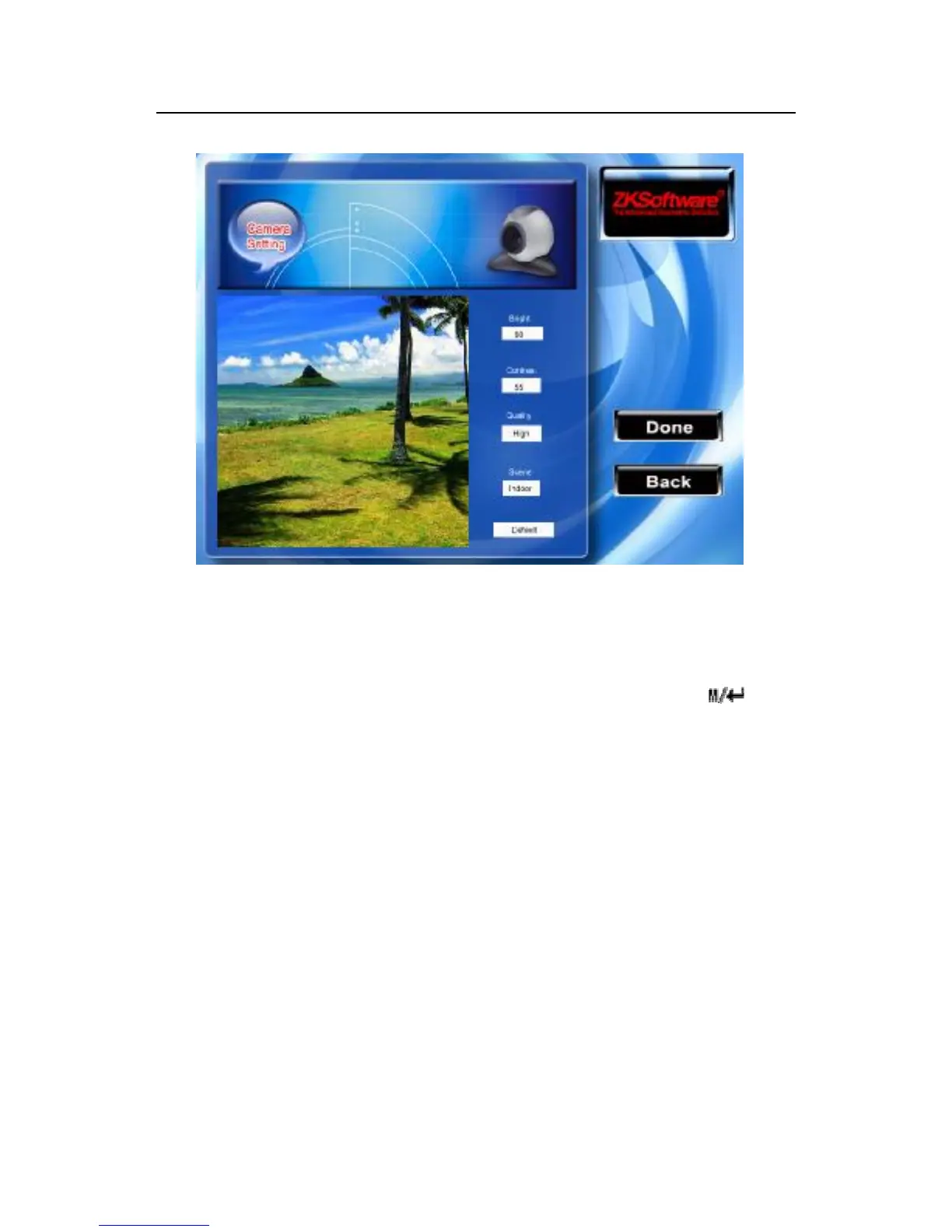
After entering a snapshot mode of the equipment interface , scroll
▲ / ▼ key to switch options input box with the small keyboard,
and input appropriate number keys to adjust the value of the
camera filming effect, after appropriate adjustment press (F7)
or "OK" that is, photos can be captured, after the completion of the
snapshot capture and save pictures, and the photograph swill
showed for two seconds, re-entering the snapshot mode. If you
don’t satisfied with the pictures taken, press the "return" button.
Continually capture photo again until you are satisfaction.
View
Scroll▲ / ▼keys the cursor will be located in the "Registration
Photos" button, and press "OK" here to view these registered
pictures.



 To Next Page