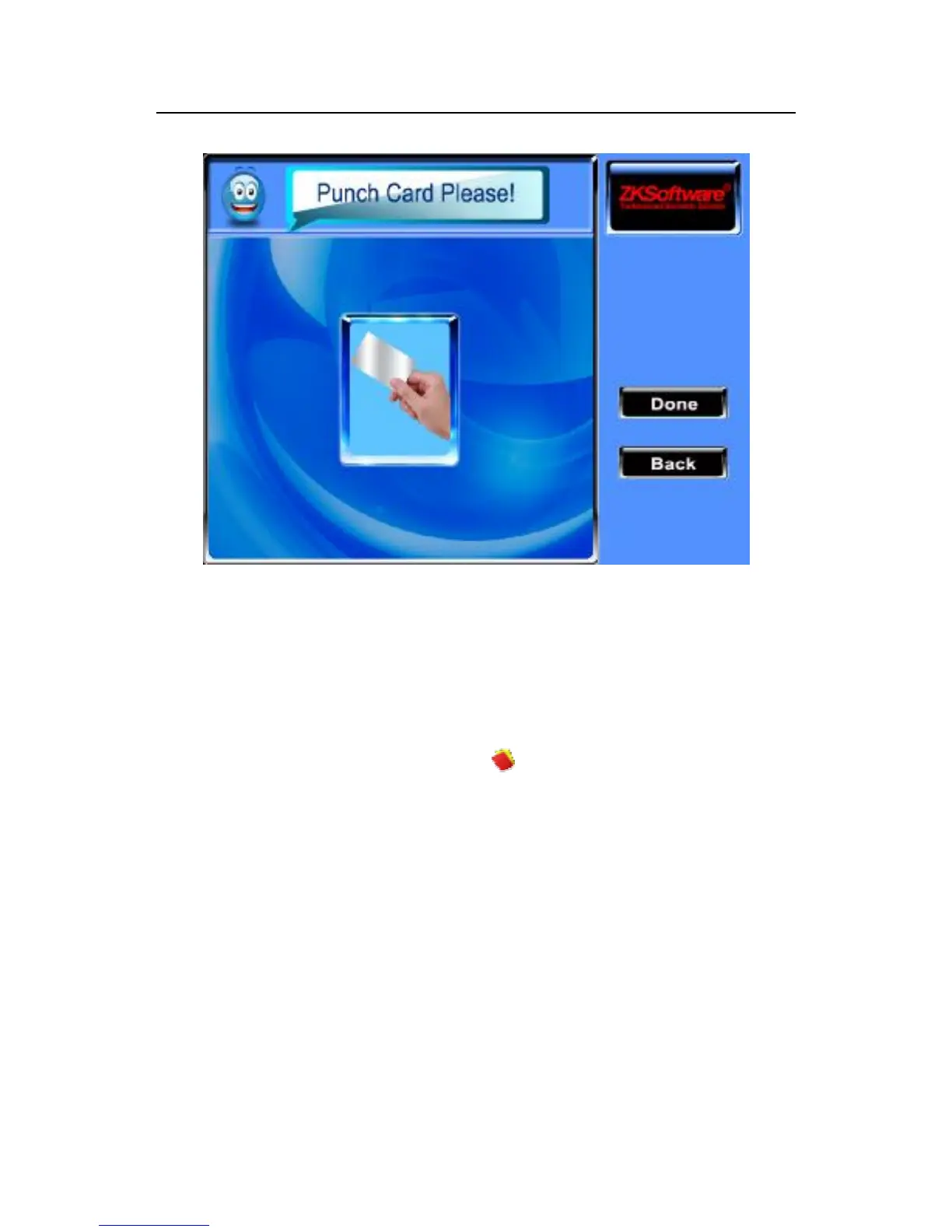
Slight ware the card near the induction area, after the equipment
found the card number, then remove the card from the equipment,
after equipment prompt that the "Enroll successfully" the card
number will be save up, or may press “Done” button to return to
register interface.
After enrolling the card, the icon will display equipment
screen that means the cards is registered card, the employees can
punch card to track whose attendance.
Registration photos ★
scroll ▲ / ▼keys, the cursor will be located in the "Registration
Photos" button, and press "OK" to enter the video interface, to
configure photo capture function is available .



 To Next Page