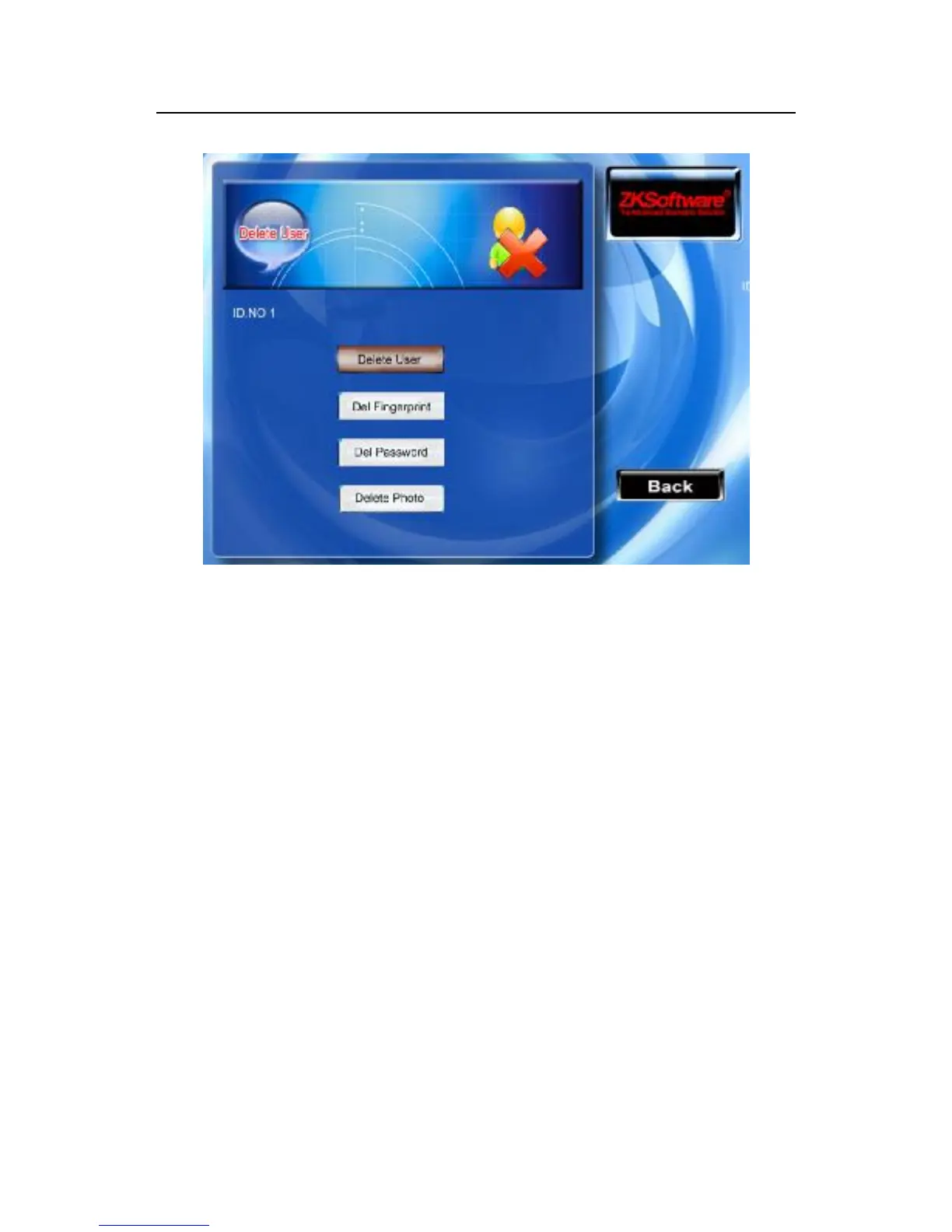
If there is not user’s fingerprint or the password in the device, then
his /her corresponding typeface is a blue color, be unable to operate
it, scroll the ▲/▼ key to locate the cursor at the option which
need to operate. Press the "OK" key the dialog box which asks you
give confirmation will pop-up whether delete this item, after
confirmation, the equipment should create the corresponding
prompt, press "ESC" (F8) key to return to the user management
page.



 To Next Page