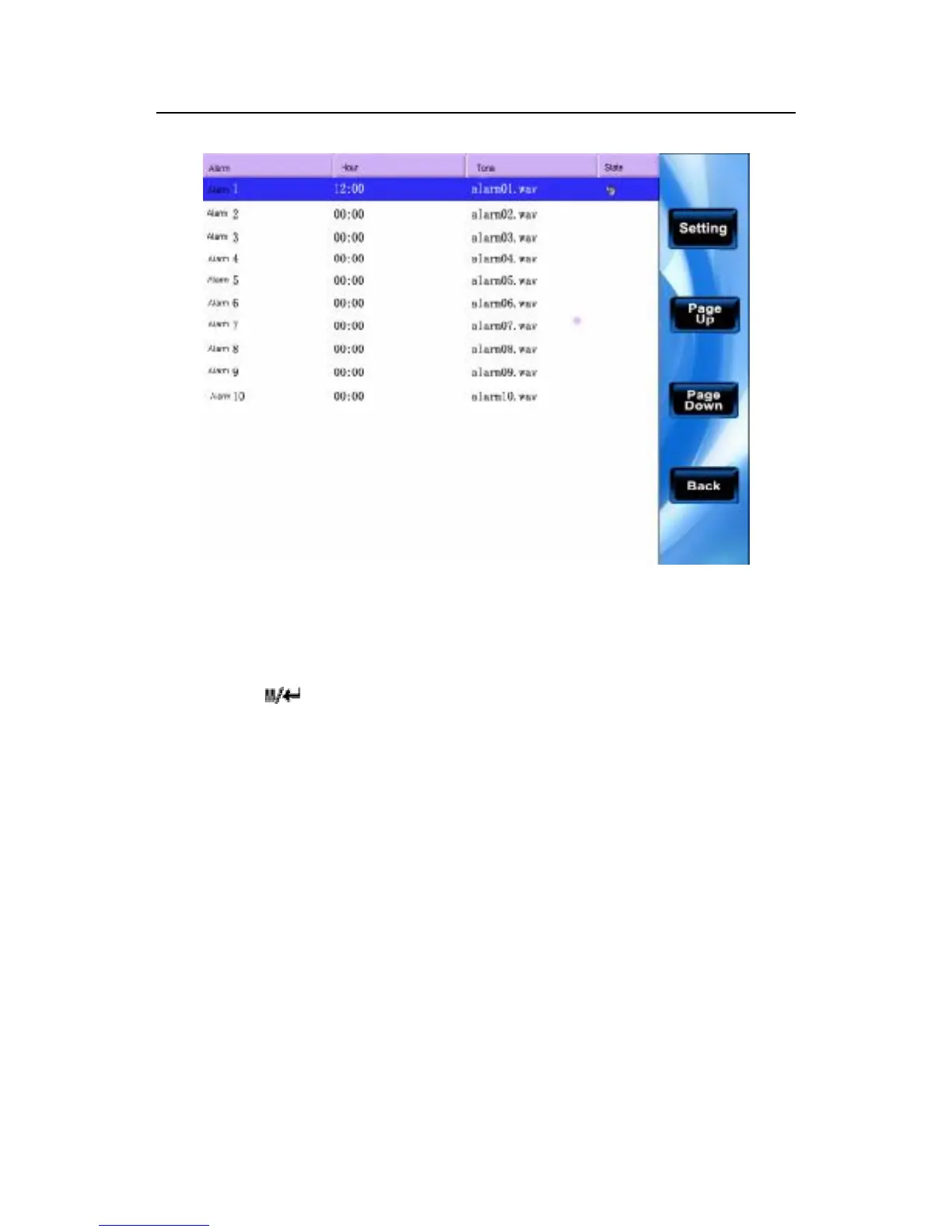
Scroll ▲/▼ key to view the bell setting at line by line.
Scroll F5/F7key to view the bell setting in page by page.
Press " " key to begin/end the selected bell.
Press "OK"/F5 to choose one of the bell setting, and enter the
edition bell.
Bell time: time out, bell rings;
Sound choice: different sound in different time.
Volumes adjust: Bell sound volume.
Number of times: times of bell ringing
Bell state: start this bell or not.



 To Next Page