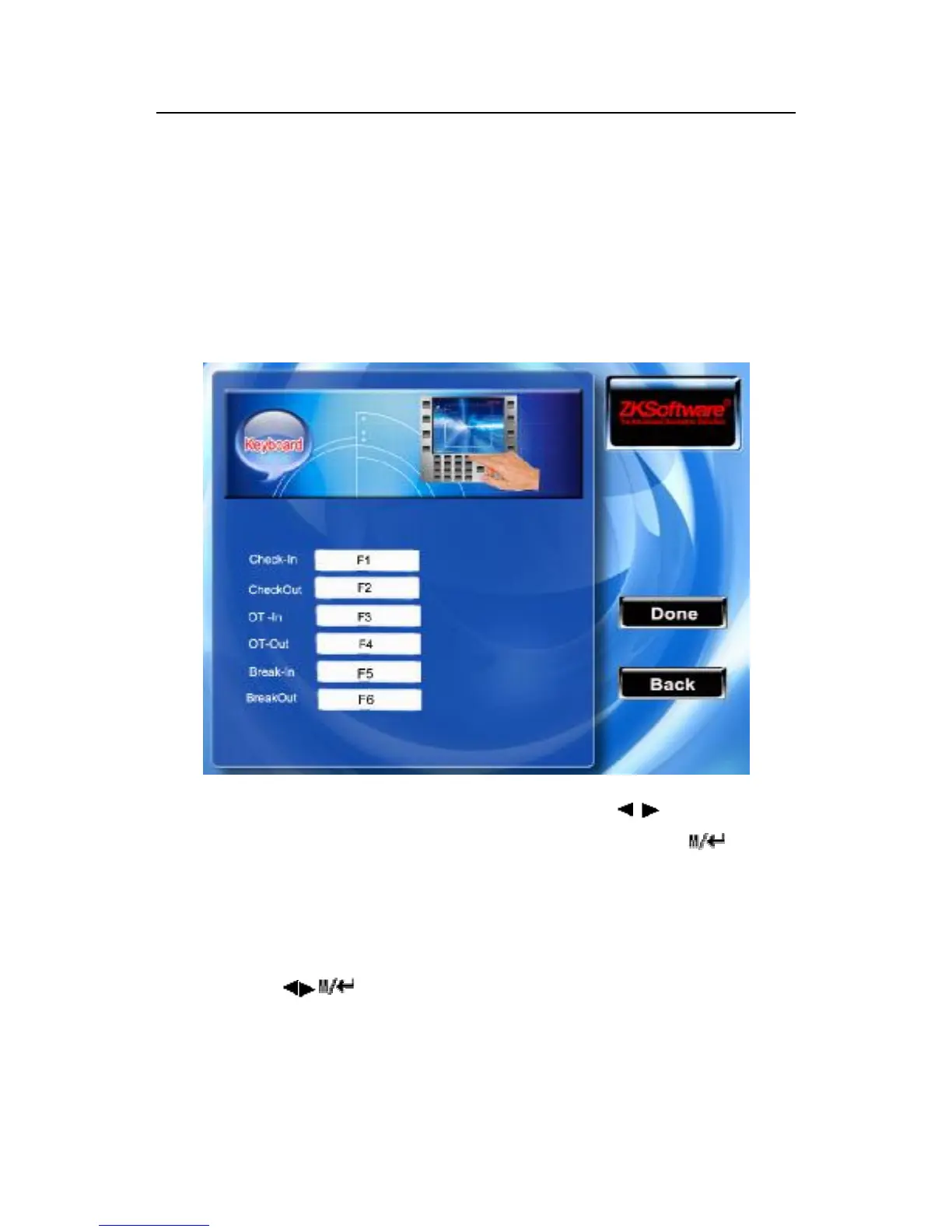
this state key.
When press any state key on initial interface, the attendance state
corresponding to the state key will appear under the leftside of the
screen, that is convenient for users to check.
Instruction
Scroll the ▲/▼ key to shift option box, Scroll / key to change
the setting. After the setting completed, please press /“OK”
(F7) to save this configuration, press the ESC (F8) key to give
up the operation and return to the interface.
Note: If some state keys would not be used, then set the state keys
as invalid.



 To Next Page