F18 User Manual V1.0
- 28 -
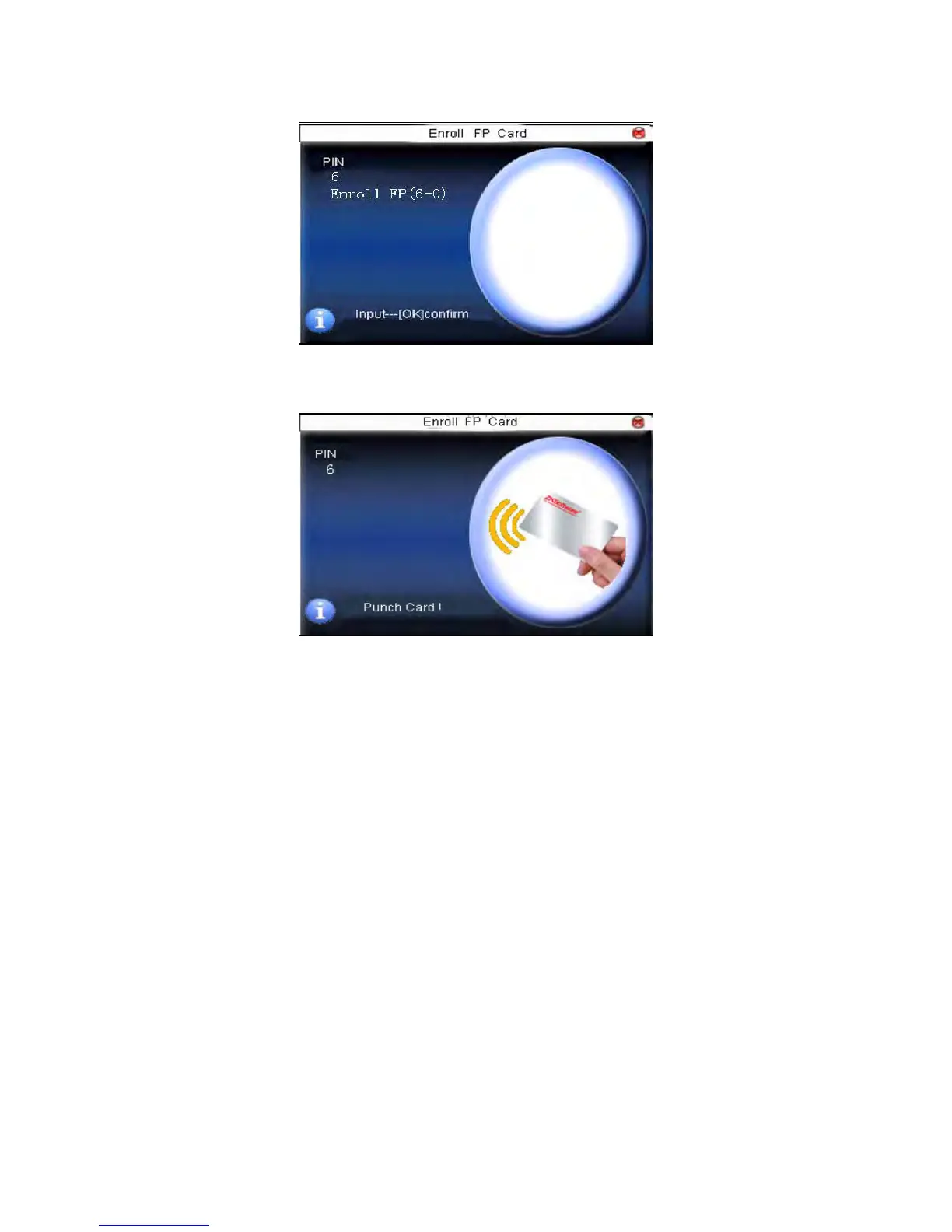
Step 3: Press finger properly three times.
Step 4: Device prompts “please show card”.
Step 5: Put the card in the induction area, waiting for the device to read
fingerprint data into card until the enrollment succeeds.
2. Verification:
Sway the card in the induction area. After the device inducts the card,
move the card off. When the verification is successful, the device will
give prompt. If the pressed fingerprint is different from that stored in the
card, the verification will fail.



 To Next Page