9
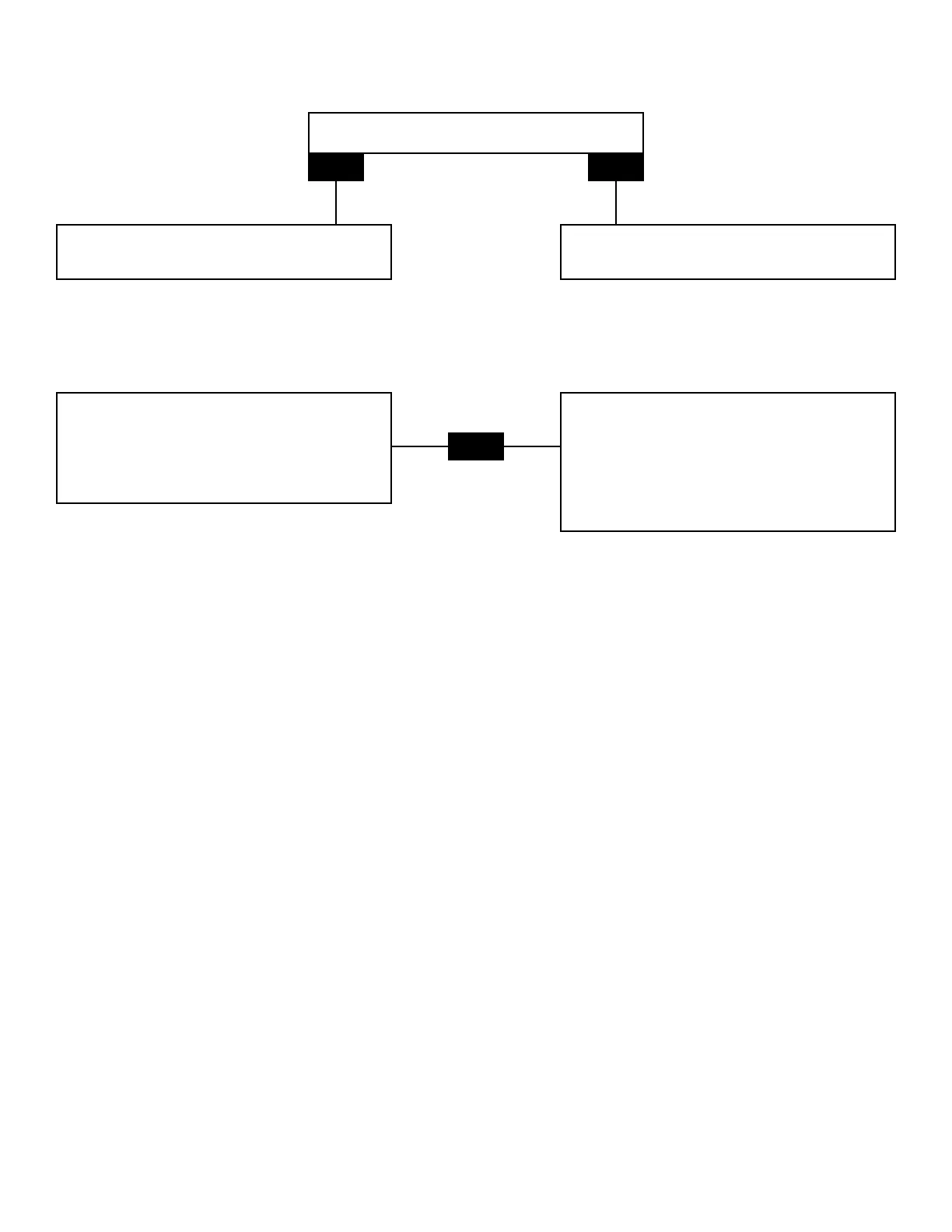
Output Lights Will Not Go Down
IsChlorinatorinsuper-chlorinatemode?
YES
NO
Presssuper-chlorinatebuttononcetotake
chlorinatoroutofsuper-chlorinatemode.
ChecktouchpadPCB.
(see Touch Pad PCB pg. 14)
Amber Output Light is Blinking
Chlorinatorisinarestmodebeforeit
reversespolarity.Wait5-10minutes
andcheckagain.
OR
Pressandholdservicebutton
(located1”totherightoftheON/OFFswitch
andtheNature2Resetswitch)
tospeedupthereversingprocess.
(see Reversing Polarity pg. 13)
Transformer
Testing
(see Testing Power Path pg. 5)
Replacement
1. Disconnect power supply.
2. Remove chlorinator from wall.
3. Remove 4 screws to remove cover.
4. Remove ribbon wire connector from power PCB and set cover aside.
5. Disconnect the 5 wires from the transformer (keep track of each wire location for reassembly).
6. Turn over powerpack, remove screw from the center of the transformer and remove the transformer.
7. Mount new transformer using the nut & bolt.
8. Attach wires from new transformer to correct plastic terminals.
9. Attach ribbon wire connector.
10. Attach cover with 4 screws.
11. Replace chlorinator on wall.
12. Reconnect power supply.







 To Next Page