21
5.3 I Pre-diagnosc menu (depending on the model)
• Stopping the appliance if a cleaning cycle is in progress.
• To access the menu:
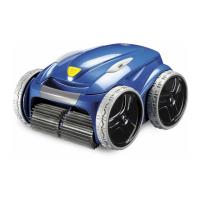
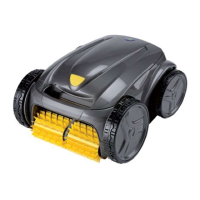
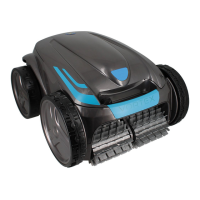
OV 3500 - OV 3505 - OV 3510 - RV 4550 -
Vortex
TM
4 PLUS - GV 3520
Press for at least 5 seconds.
OV 5300 - OV 5330 - RV 4560 - RV 5300 - RV 5400 -
RV 5470 - RV 5500 - RV 5600
Press + for at least 5 seconds
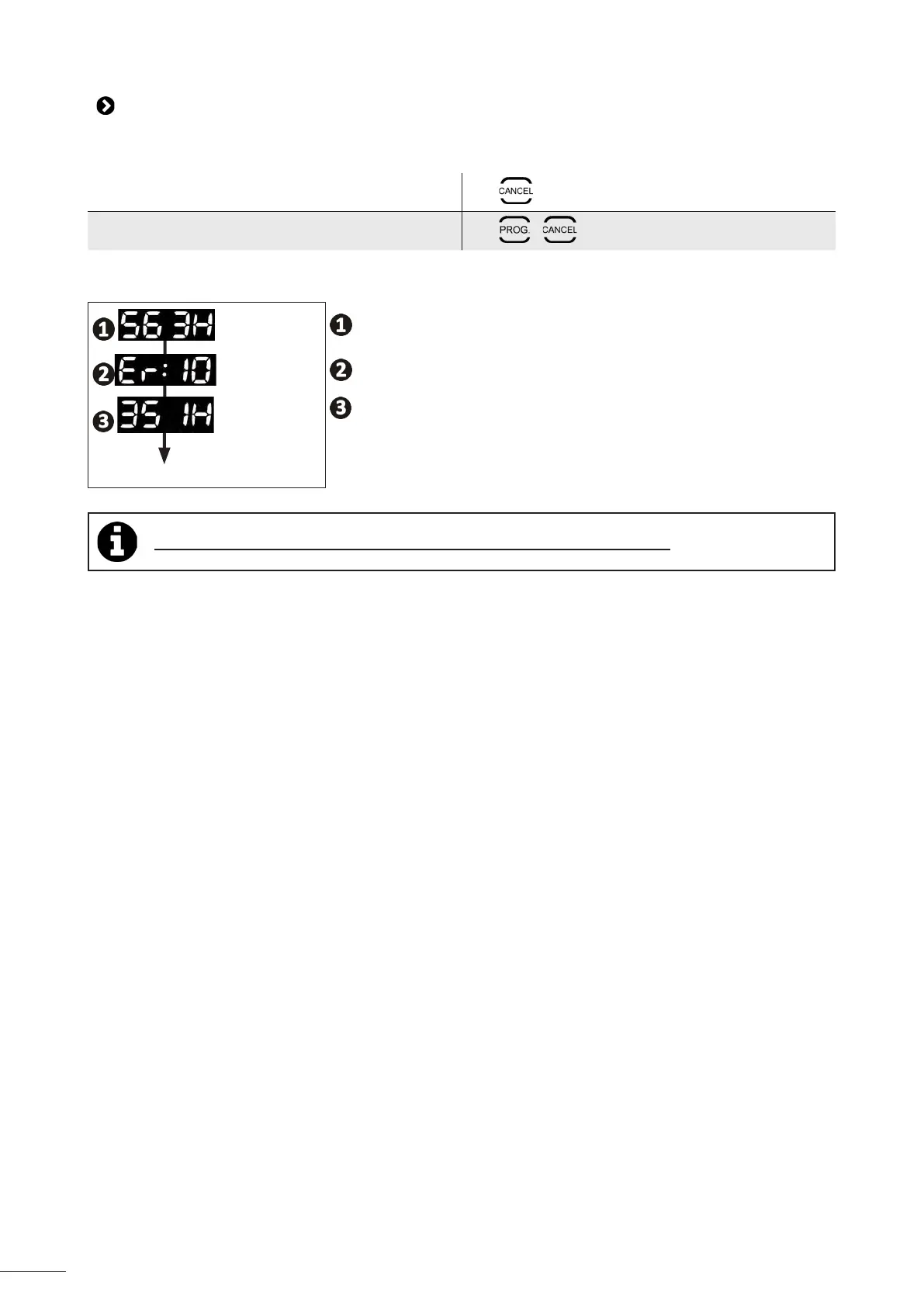
• The appliance status informaon scrolls:
3 seconds
The total operang me (in hours)
3 seconds
The last error code (if the cleaner has had at least one error)
3 seconds
Back to menu
The operang me during the error (if the cleaner has had at least one error)
Tip: if you require assistance, inform the retailer about the appliance's condion




 To Next Page