Chapter 2: Setting Security
13
2
Setting Security
We strongly recommend security, although you do not need to
use it to get your wireless connection working.
Important!
If you want to use security, you must first enable it on
the wireless access point. You then enable security on the PCI
Card using the same configuration that you used for the access
point. For example, if the wireless access point is configured for
WPA2-PSK, you must select WPA2-PSK security in the
Wireless-G PCI Card configuration software and enter the same
encryption key.
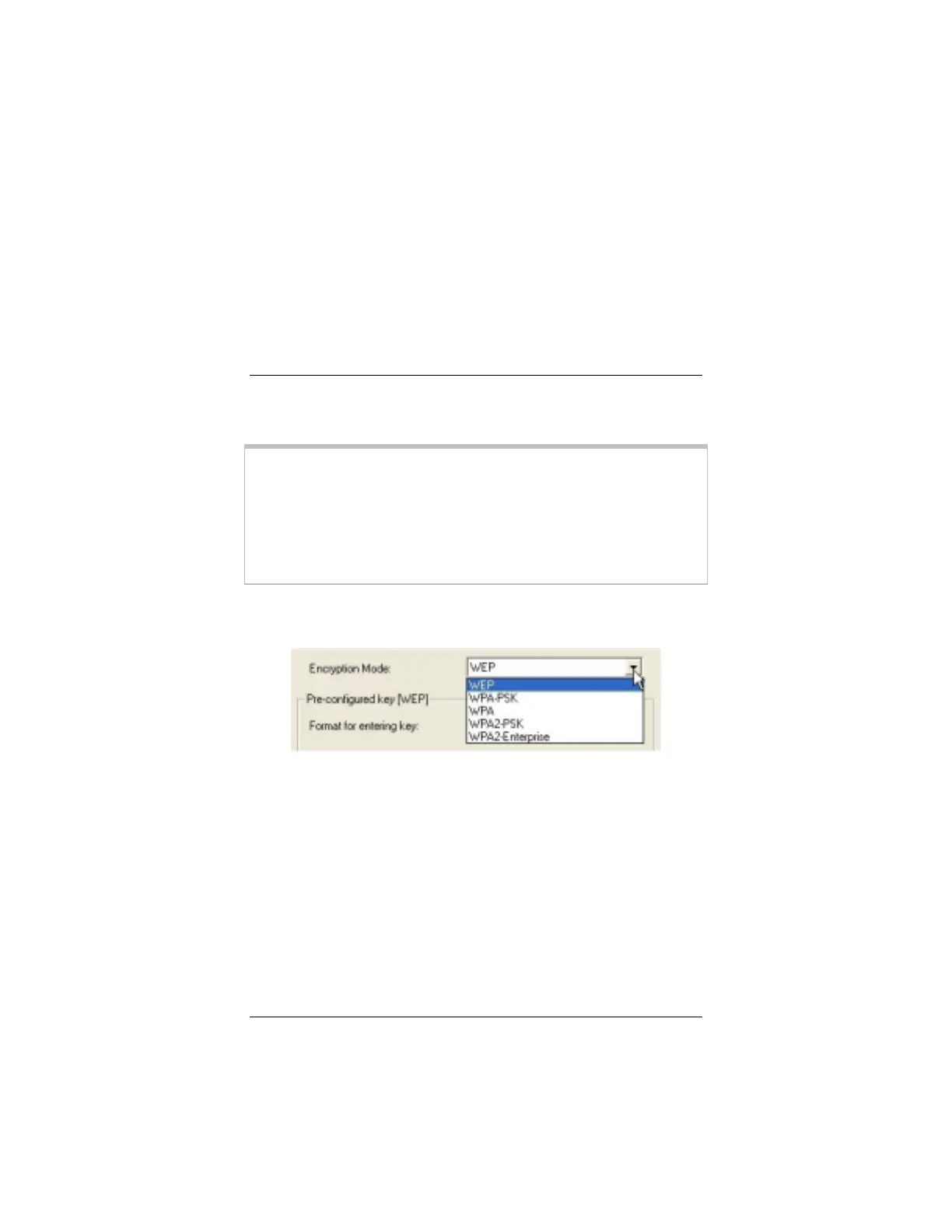
Select one of five ways to configure and implement security for
your wireless network:
•
WPA2-PSK
(
W
iFi ®
P
rotected
A
ccess
2
P
re-
S
hared
K
ey;
Infrastructure networks only) is the recommended option if it
is supported by the access point and the devices in your
network. WPA2-PSK protects your communications with
AES (
A
dvanced
E
ncryption
S
tandard). Some access points
permit a “mixed mode” network composed of both WPA and
WPA2 wireless clients.
WPA2-PSK requires you to enter an encryption key shared
by the access point.
•
WPA PSK
(
W
iFi
P
rotected
A
ccess
P
re-
S
hared
K
ey;
Infrastructure networks only) If the devices in your network
do not all support WPA2-PSK, and your access point does



 To Next Page