Appendix A: TCP/IP Settings 31
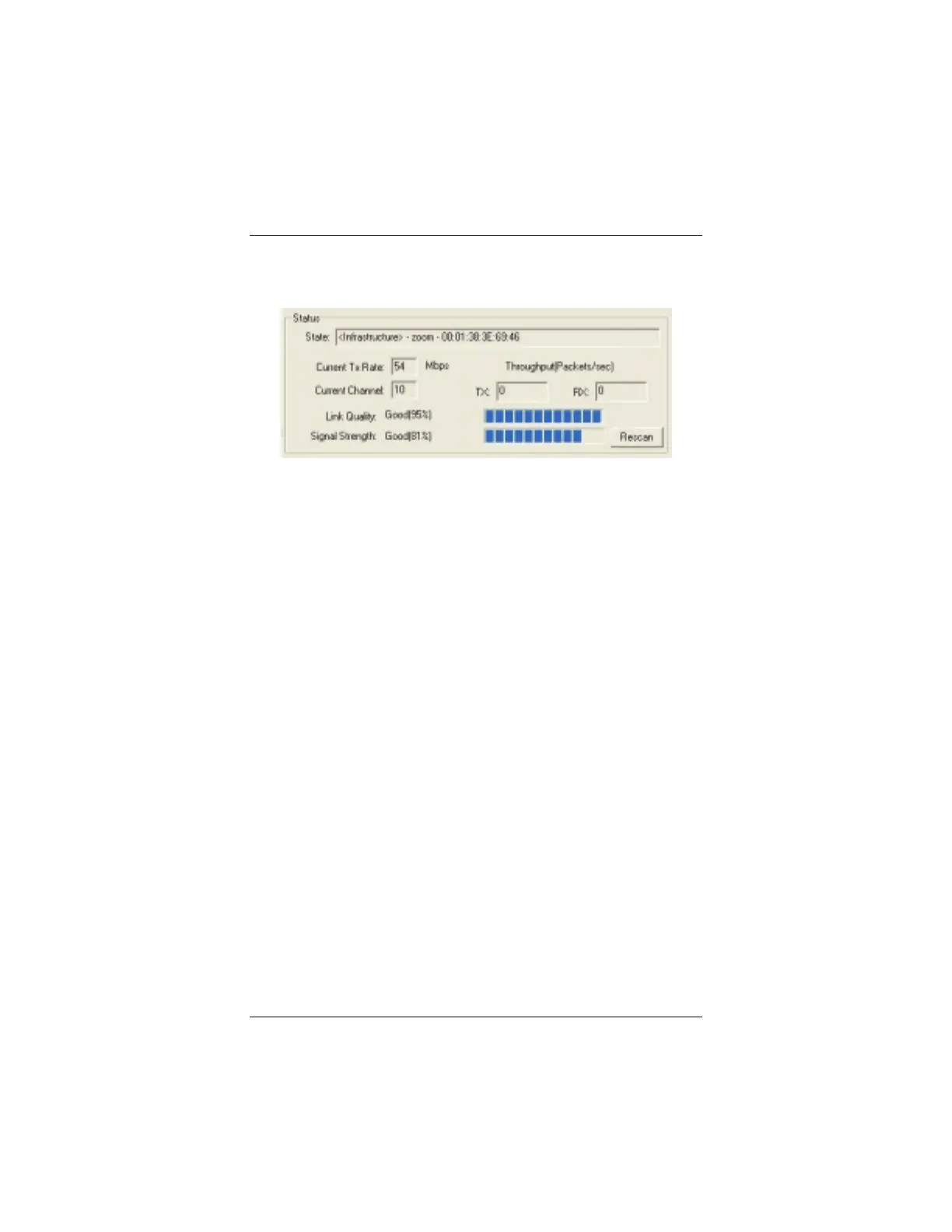
Monitoring Link Status
The
Status
area on the
Configuration
tab displays information
about your wireless connection:
•
State
: In an
Infrastructure
network, the network name
(ESSID) and the MAC address
of the wireless access point that
your computer is connected to.
In an
ad hoc
network, the
network name and MAC
address of the computer you
are connected to.
•
Current Tx
(Transmission)
Rate
: Highest transmission
speed in
M
ega
b
ytes
p
er
s
econd of the last received
packet.
•
Current Channel
: The Wi-Fi
frequency channel.
•
Throughput (Packets/sec)
:
TX = number of packets
transmitted per second without
errors.
RX = number of packets
received per second without
errors.
•
Link Quality
(Infrastructure
only): The transmission quality
of the last received packet.
80 – 100% = Excellent
60 – 80% = Good
40 – 60% = Fair
Under 40% = Poor or no
connection
•
Signal Strength
(Infrastructure
only): The transmission signal
strength of the last received
packet, expressed as a percent
of maximum allowable power.
80 – 100% = Excellent
60 – 80% = Good
40 – 60% = Fair
Under 40% = Poor or no signal
strength



 To Next Page