32 Wireless-G PCI Card
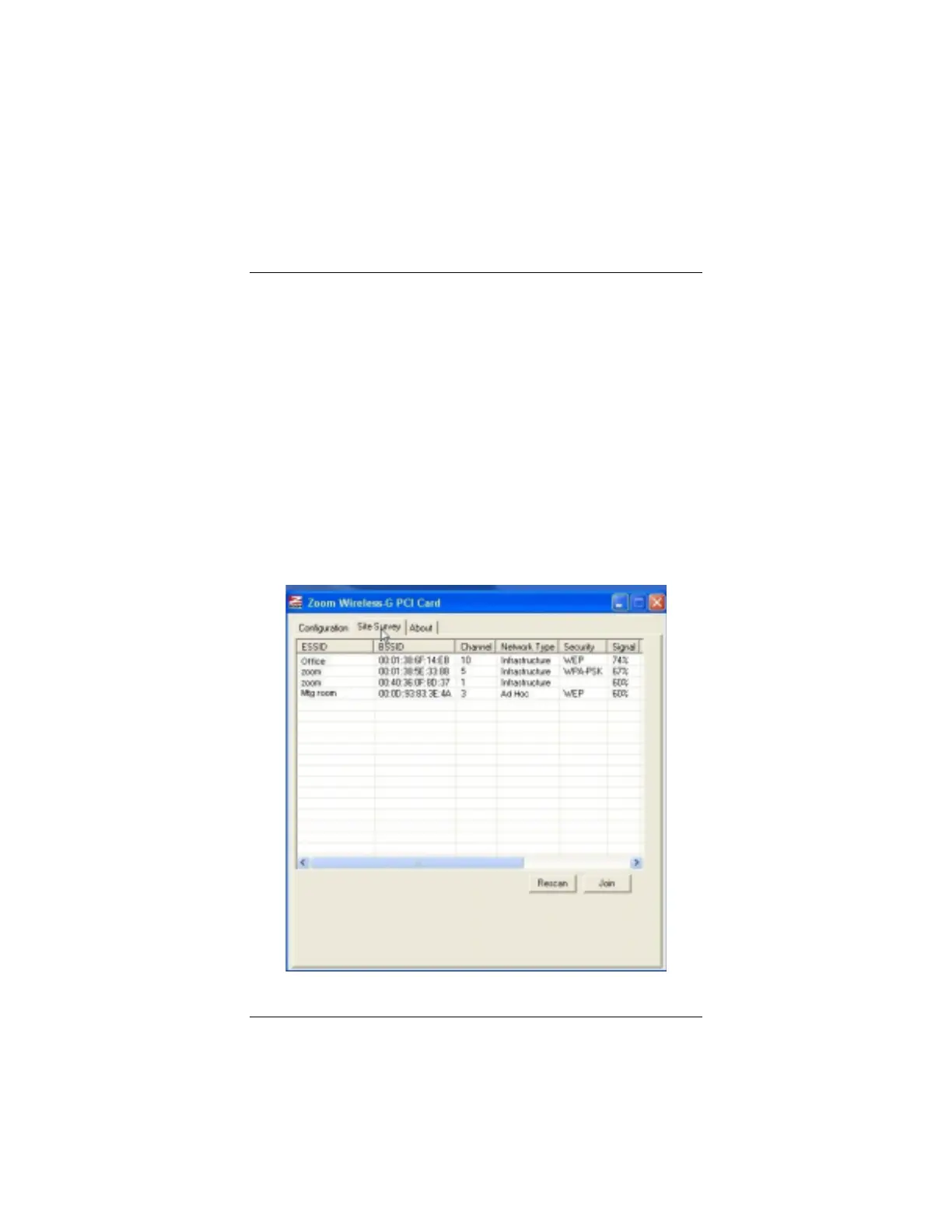
Using Site Survey and
Rescan
Use the
Site Survey
window and the
Rescan
button when you
need to do any of the following:
•
Find a list of network names (ESSIDs) so you can connect to a
network
•
Identify the MAC address (BSSID) of your wireless access
point or wireless router
•
Check the channel difference between your network and other
networks within range
•
Check the network type (infrastructure or ad hoc) of your
network
•
Verify whether security is enabled for your network
To use this window, click the
Site Survey
tab, then click the
Rescan
button to refresh the list.



 To Next Page