©2019, Zortrax S.A. All rights reserved. All trade names, logos and trademarks mentioned in the following
document are registered trademarks of Zortrax and are subject to legal protection.
17
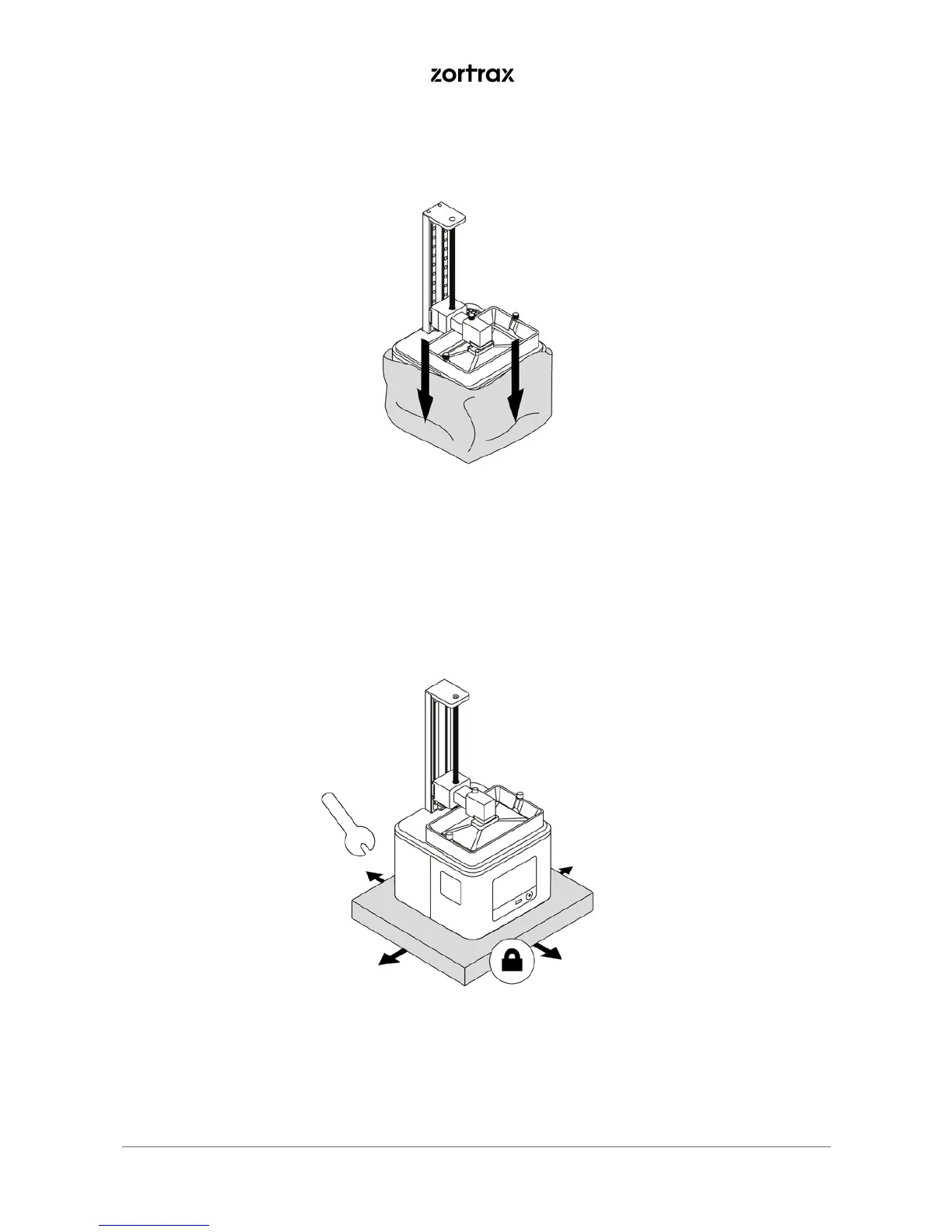
5. Remove the foil.
6. Place the printer on a flat and stable surface. If the printer remains uneven, use the plastic wrench from
the Starter Kit to tighten or loosen the printer’s legs as needed.



 To Next Page