©2019, Zortrax S.A. All rights reserved. All trade names, logos and trademarks mentioned in the following
document are registered trademarks of Zortrax and are subject to legal protection.
26
Firmware Update
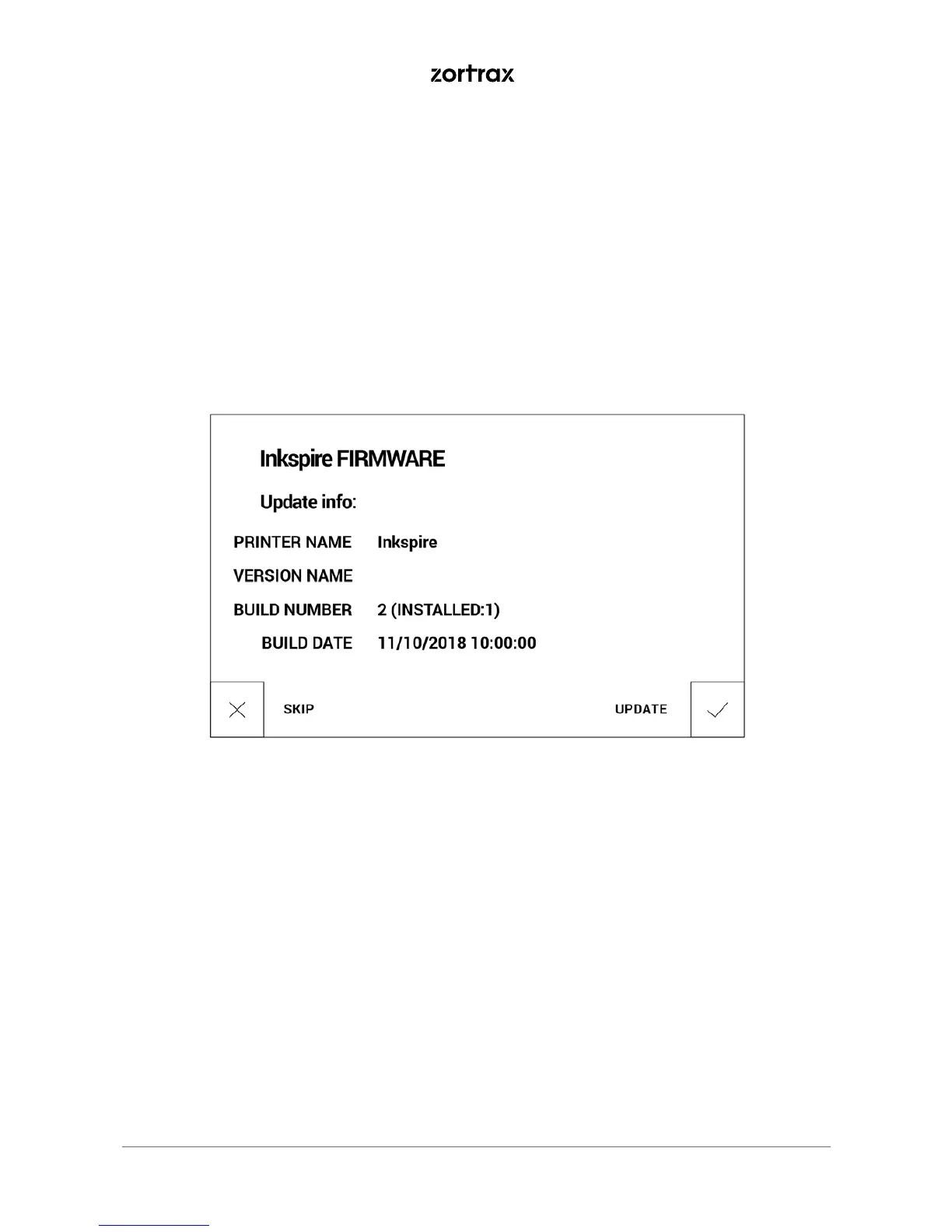
If your printer is connected to the Internet using either Wi-Fi or an Ethernet cable, it
automatically checks for available firmware updates and starts the installation process.
You can also check if there is a newer firmware version available at any point of working
with the Zortrax Inkspire and update the firmware. Select Settings -> About Printer -> Check
for updates.
If you have decided not to connect the printer to the Internet, check https://support.
zortrax.com/downloads/ regularly for updates. To update the firmware, transfer the
Update.zar2 file to a USB flash drive and plug the USB drive to the port at the front of the
device to start the installation.



 To Next Page