©2019, Zortrax S.A. All rights reserved. All trade names, logos and trademarks mentioned in the following
document are registered trademarks of Zortrax and are subject to legal protection.
22
Connecting the printer to a network
The Zortrax Inkspire can be connected to a local network in two ways: via Wi-Fi or an
Ethernet cable. Both methods allow you to manage the printer directly from Z-SUITE and
make it possible to remotely transfer .zcodex files from your computer to the printer.
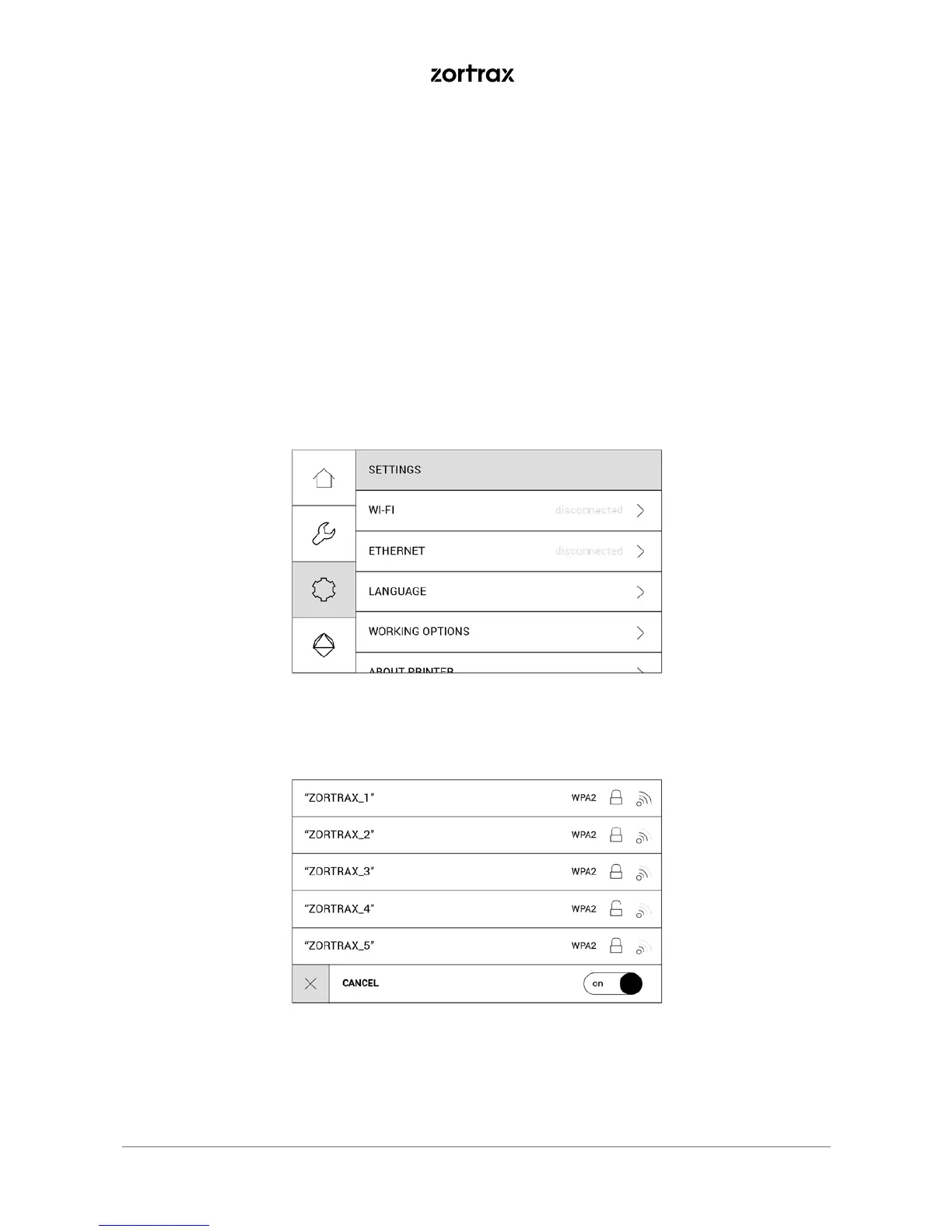
To connect the printer to a Wi-Fi network, open the Settings menu and select Wi-Fi. From
the list of available networks, choose your network and if it’s required, enter the password.
Select Connect to establish the connection.



 To Next Page