©2019, Zortrax S.A. All rights reserved. All trade names, logos and trademarks mentioned in the following
document are registered trademarks of Zortrax and are subject to legal protection.
36
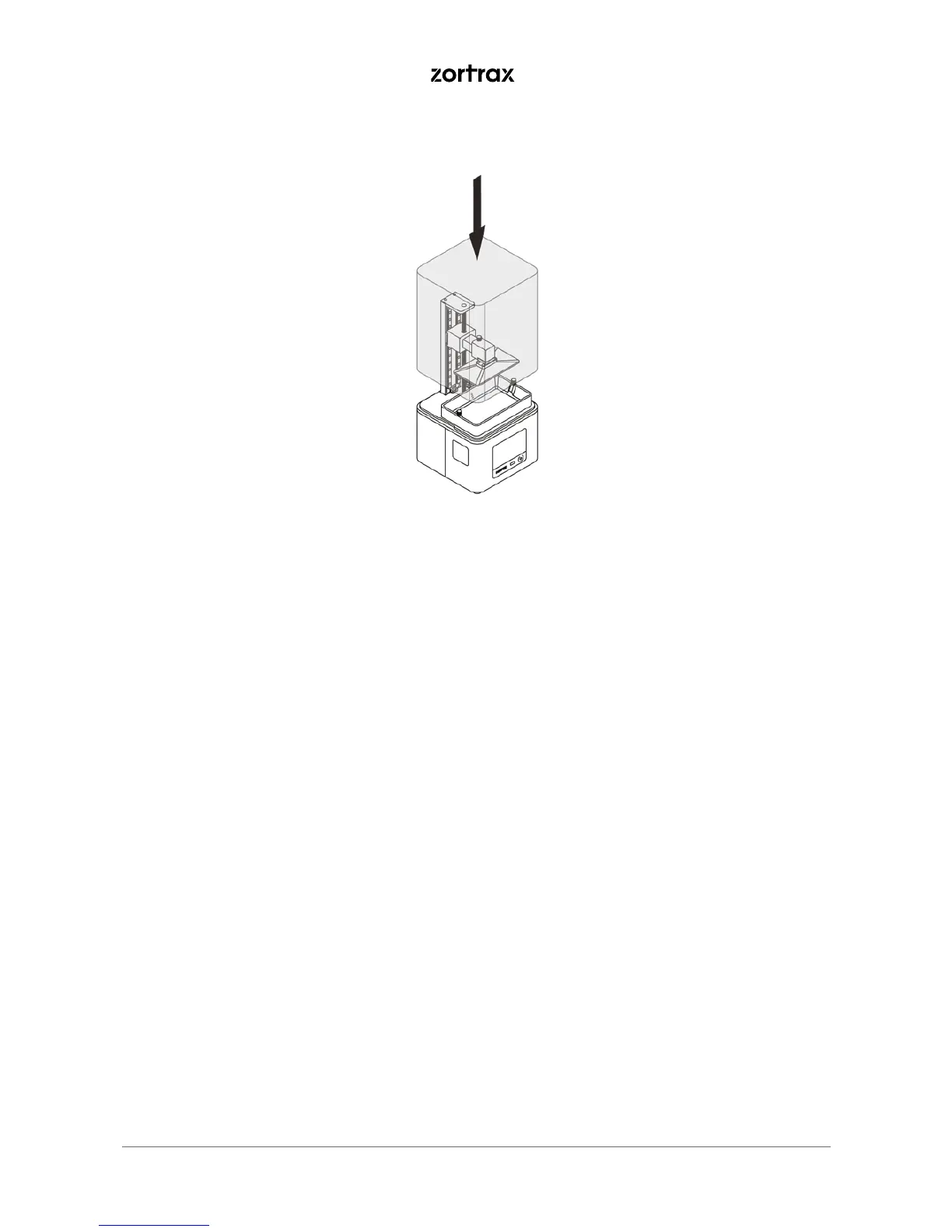
7. Install the UV cover back on the printer once all procedures are finished.
Z-SUITE Installation
The latest Z-SUITE update can be found in the Downloads section at: https://support.
zortrax.com. To download and install Z-SUITE, you need to enter your printer’s serial
number. This number can be found in the printer’s menu: Settings -> About Printer, and on
the nameplate at the back of the printer.
Remember to update Z-SUITE regularly. All updates are available at: https://support.
zortrax.com/downloads/.



 To Next Page