©2019, Zortrax S.A. All rights reserved. All trade names, logos and trademarks mentioned in the following
document are registered trademarks of Zortrax and are subject to legal protection.
35
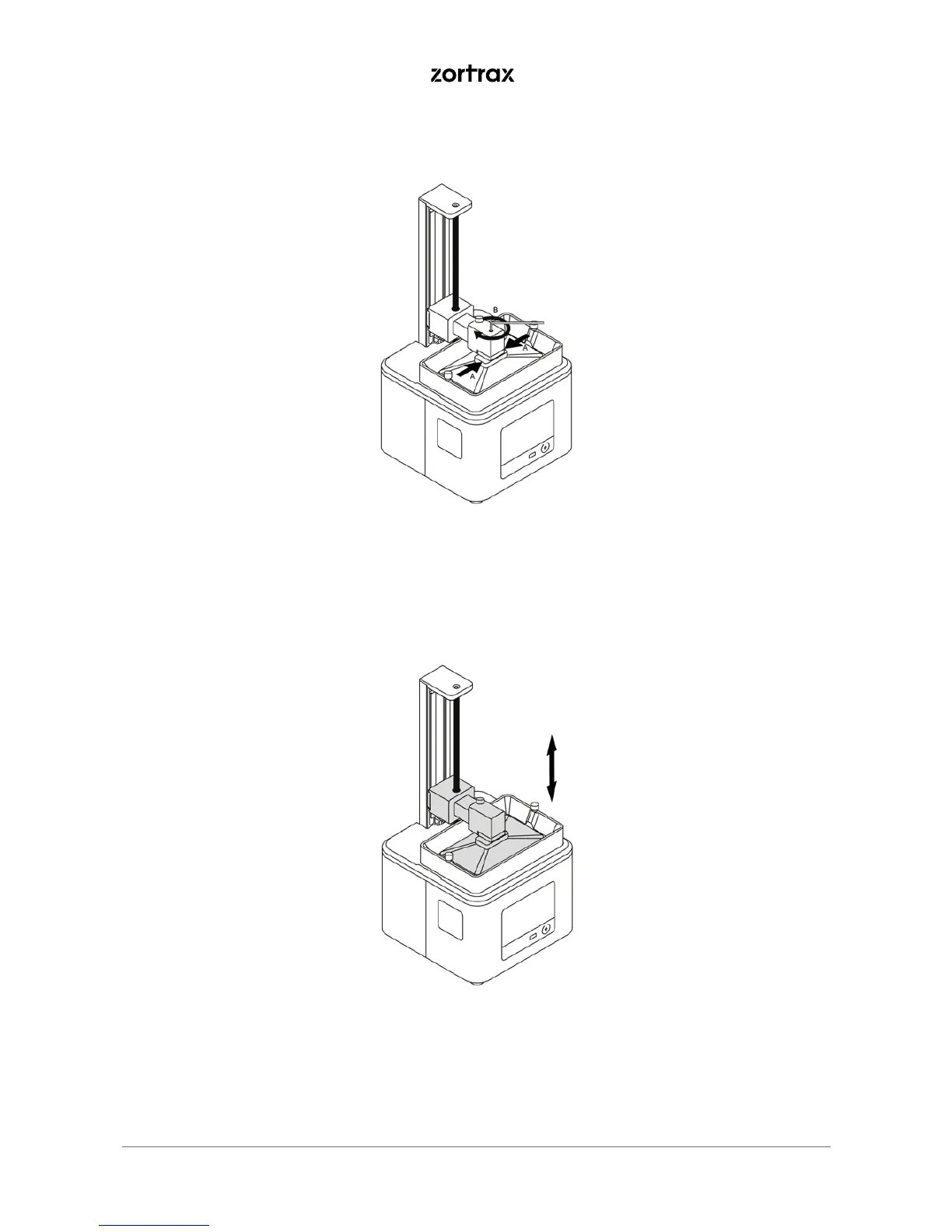
5. Hold the platform block in the places indicated in the graphic and tighten the platform screw. Make sure
that the platform properly adheres to the LCD screen.
6. Once you finish the platform calibration, tap Next to calibrate the platform offset. This procedure ensures
that the platform will be placed at the correct distance from the LCD screen during the printing process.



 To Next Page