©2019, Zortrax S.A. All rights reserved. All trade names, logos and trademarks mentioned in the following
document are registered trademarks of Zortrax and are subject to legal protection.
28
Changing the Resin
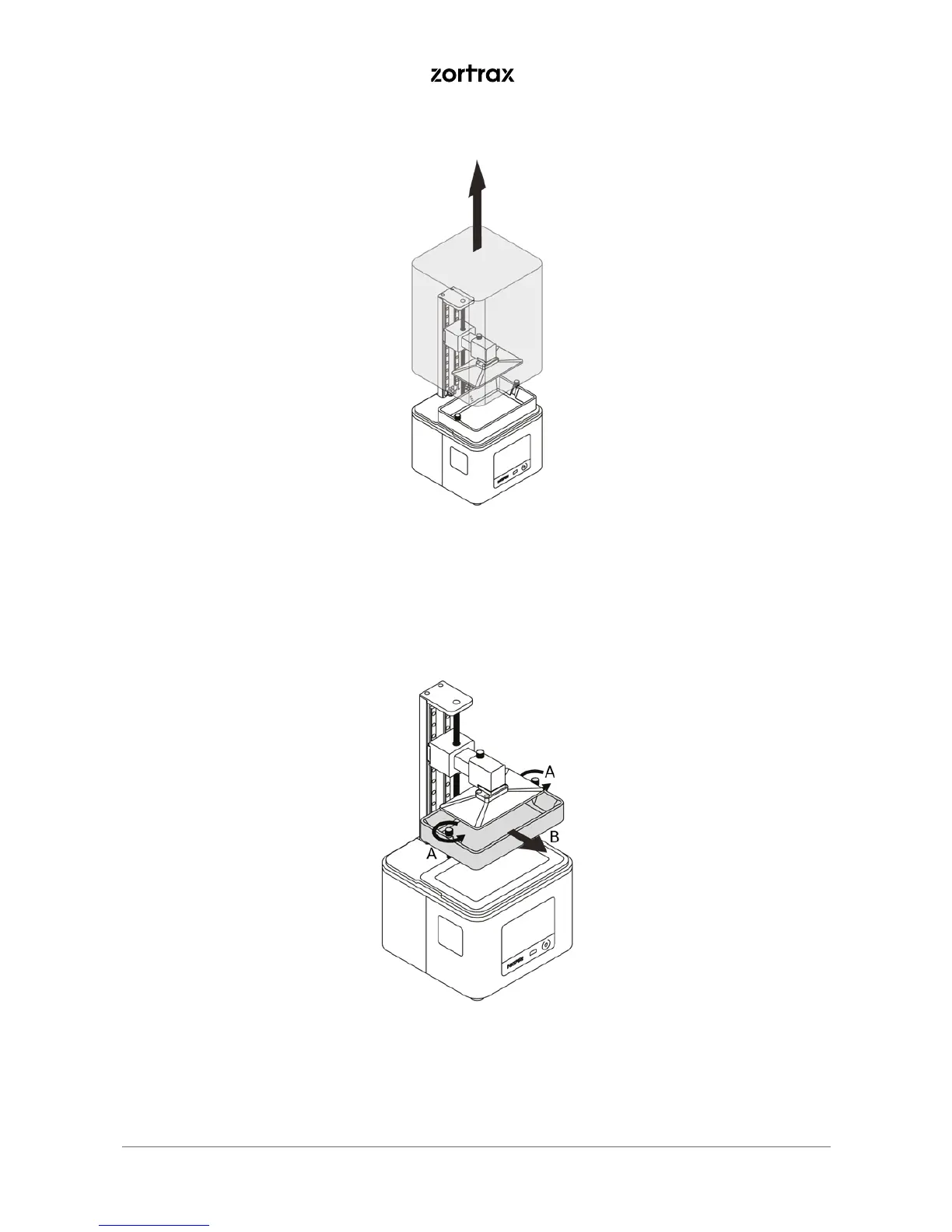
1. From the menu select Tools, Platform and Move the platform. Keep the UP arrow pressed to lift the
platform. Next, remove the UV cover.
2. Loosen the two screws that secure the resin tank (A). Next, remove the tank (B).



 To Next Page