©2019, Zortrax S.A. All rights reserved. All trade names, logos and trademarks mentioned in the following
document are registered trademarks of Zortrax and are subject to legal protection.
37
Starting, Post-Processing and Removing a Print
Caution
Wear gloves and glasses during all procedures.
Prepare paper towels and keep them in your workplace for wiping up liquids.
Note
Printing and post-processing waste, including empty bottles, failed prints, supports, rafts
as well as paper towels with resin residues should be put in the UV Station or in any
source of UV light before disposal. Uncured resin has to be disposed of in accordance with
national and local regulations concerning hazardous waste.
Detailed information regarding usage and waste disposal of the liquid detergent utilized
to clean 3D prints should be found in the SDS delivered by the producer of the liquid.
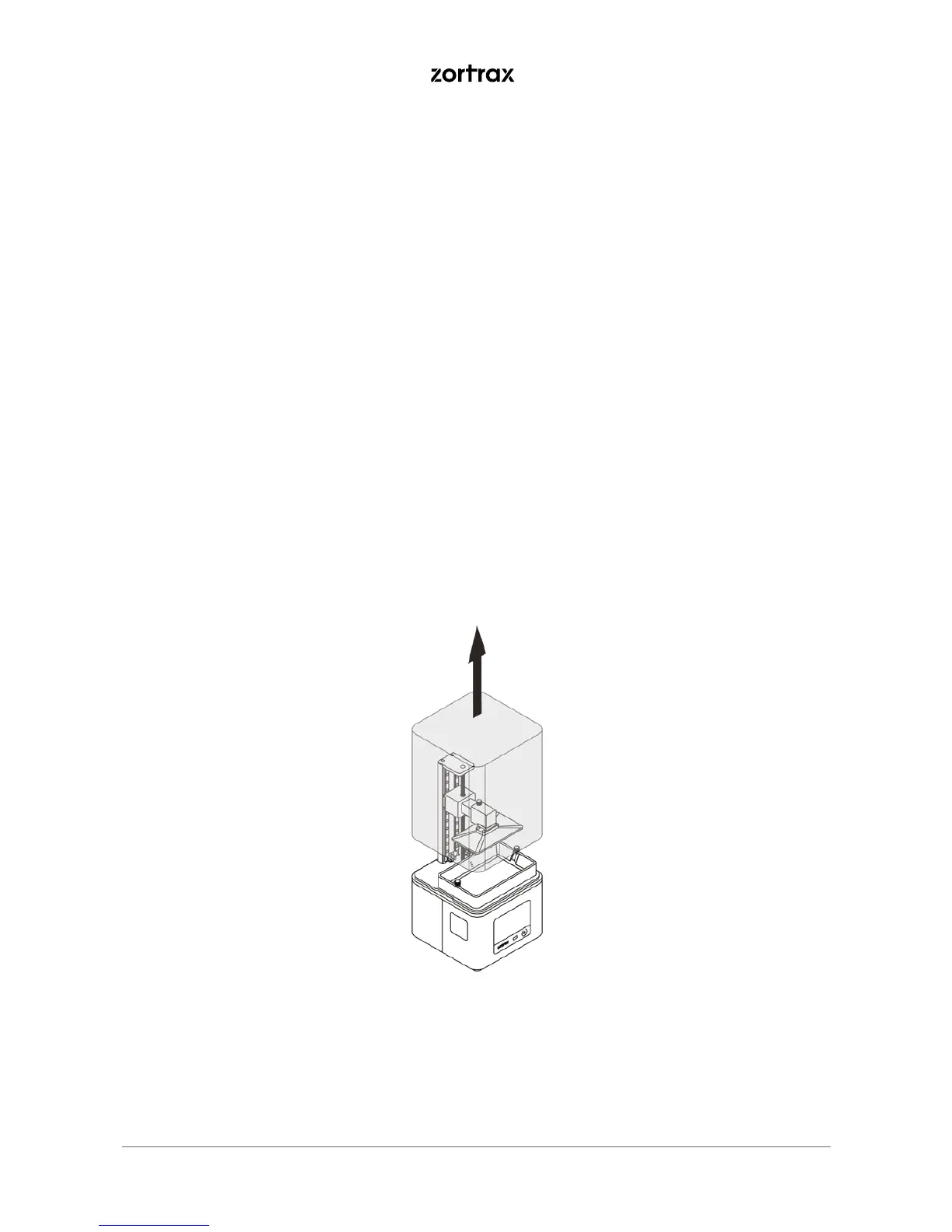
1. Remove the UV cover. If you haven’t calibrated the platform during the set-up of the printer, carry out
this procedure now.



 To Next Page