©2019, Zortrax S.A. All rights reserved. All trade names, logos and trademarks mentioned in the following
document are registered trademarks of Zortrax and are subject to legal protection.
31
7. To calibrate the platform, select Tools -> Calibration. Follow the instructions displayed on the screen.
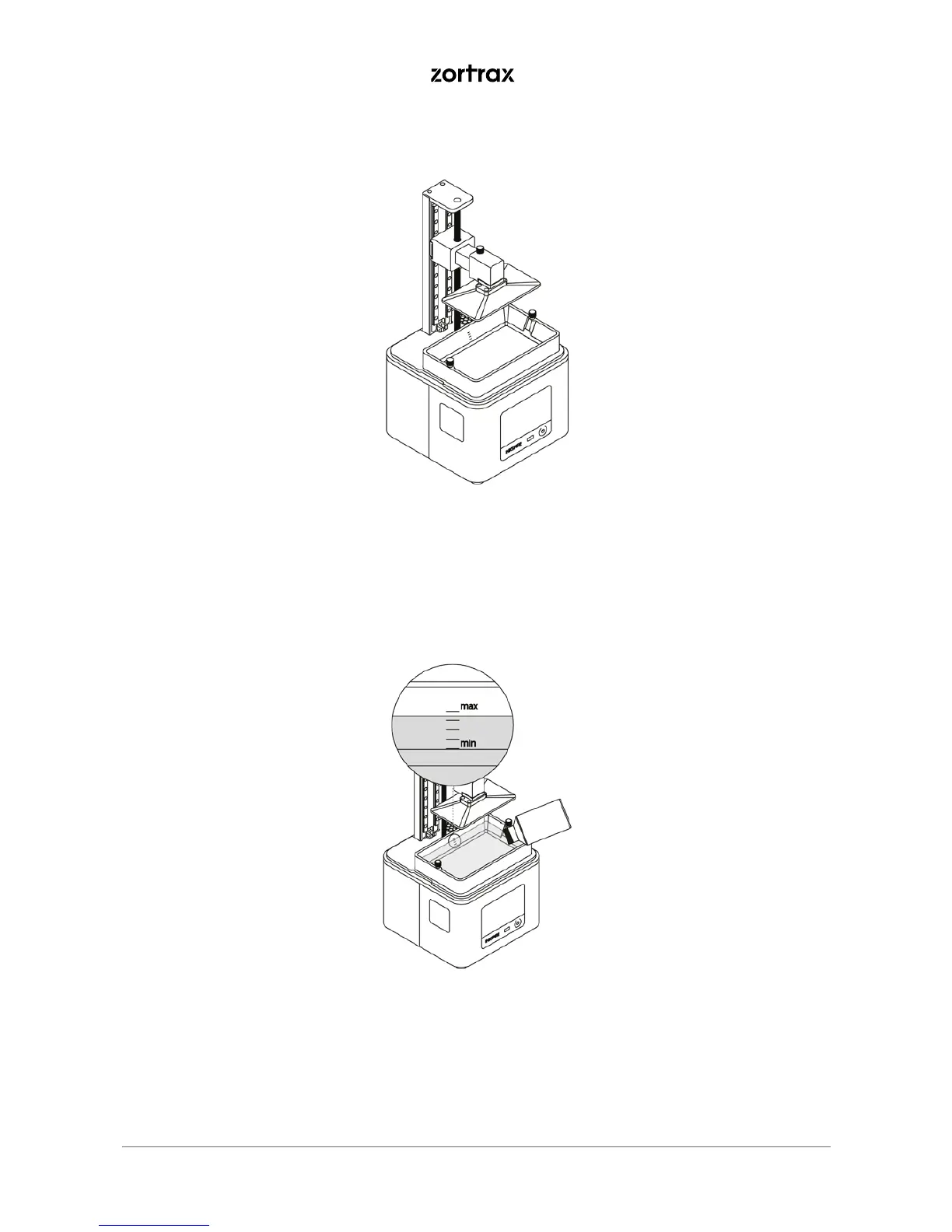
8. Fill the tank with resin. The resin level must fit the MIN and MAX marks.



 To Next Page