©2019, Zortrax S.A. All rights reserved. All trade names, logos and trademarks mentioned in the following
document are registered trademarks of Zortrax and are subject to legal protection.
39
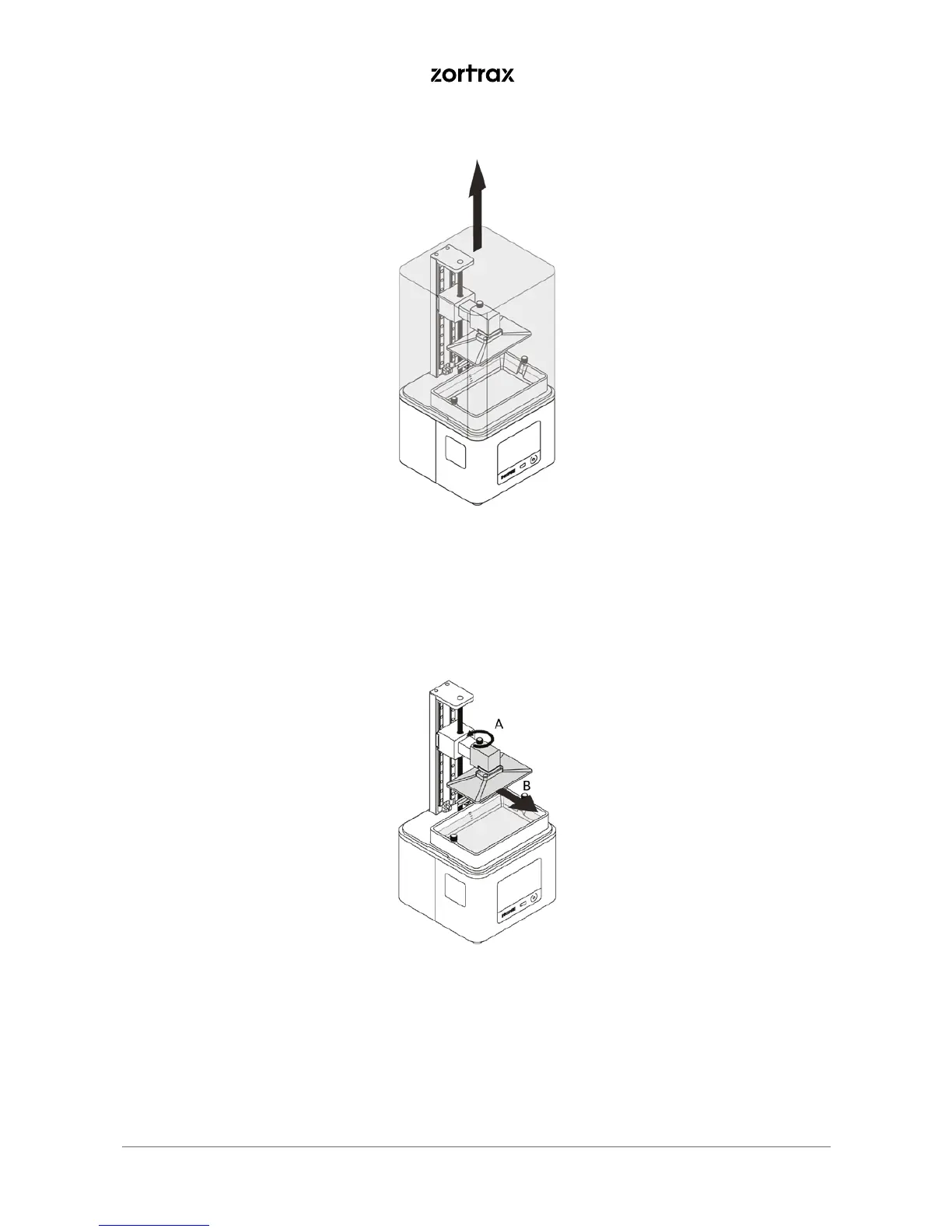
4. Once the printing process is finished, wait until the resin fully drains off of the model. Remove the UV cover.
*Depending on the size and geometry of the model, you can use the platform rotating jig from the Starter
Kit to save more liquid resin.
5. Wipe the top and edges of the platform with a paper towel and unscrew the platform screw (A). Remove
the platform (B). Be careful not to spill the liquid resin on the printer and its surroundings. Install the UV
cover on the printer.



 To Next Page