©2019, Zortrax S.A. All rights reserved. All trade names, logos and trademarks mentioned in the following
document are registered trademarks of Zortrax and are subject to legal protection.
42
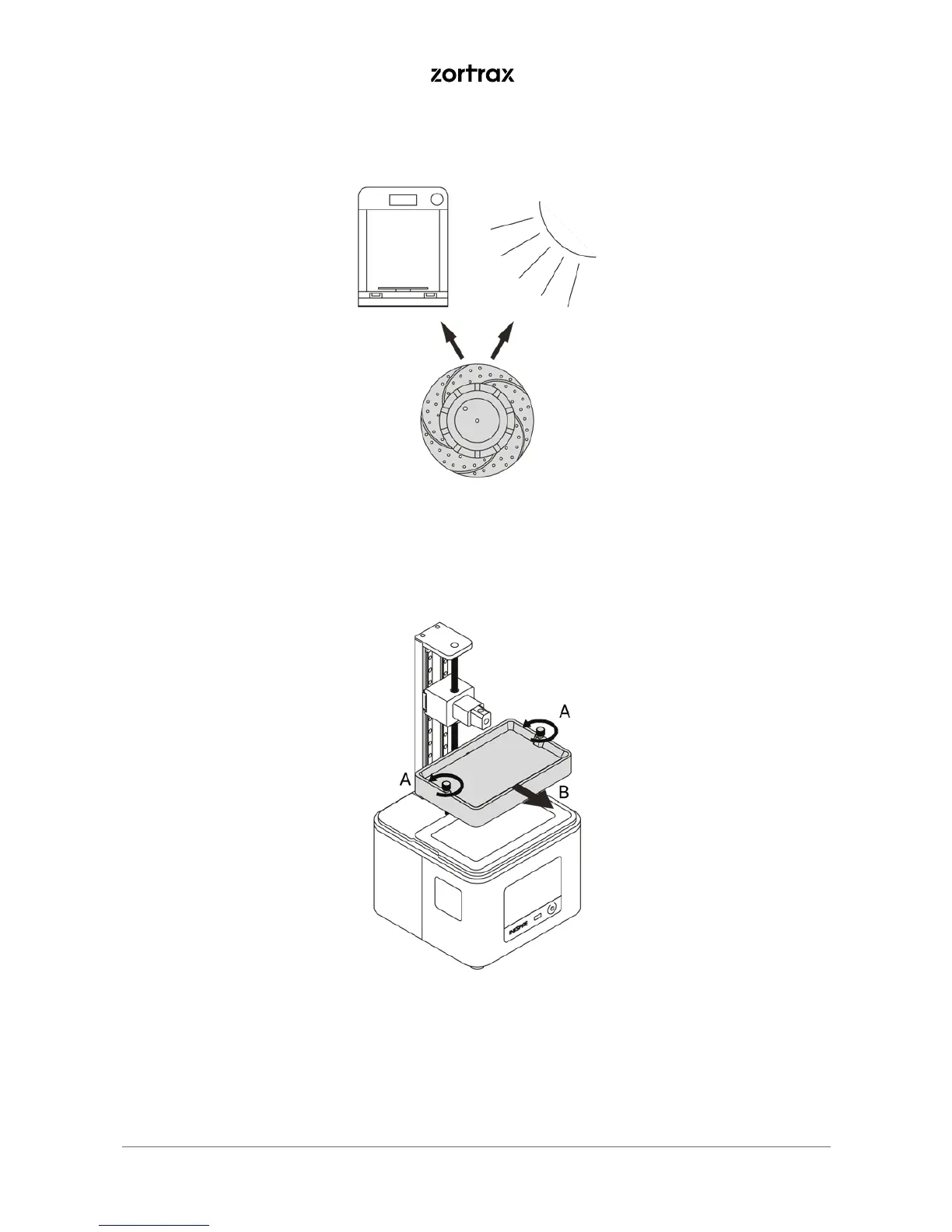
10. Put the model in the UV Station or in any source of UV light (e.g. direct sunlight).
*Depending on the type of resin you’ve used for printing, this step is optional.
11. Unscrew the two screws that secure the resin tank and remove them (A). Next, remove the resin tank
(B). Be careful not to spill the resin.



 To Next Page