EasyManua.ls Logo

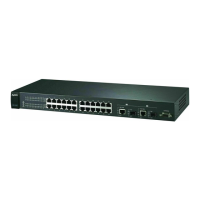
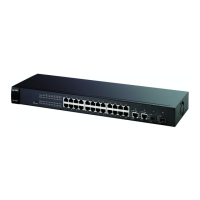
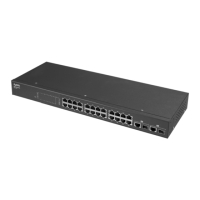
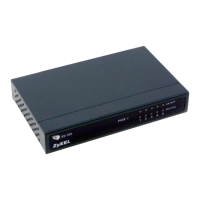
ZyXEL Communications ES-2108 - User Manual

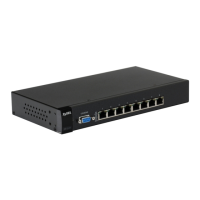
ZyXEL Communications ES-2108
284 pages
Print Icon
To Next Page IconTo Next Page
Loading...
www.zyxel.com
ES-2108 Series
Ethernet Switch
Users Guide
Version 3.8
10/2007
Edition 2
DEFAULT LOGIN
IP Address http://192.168.1.1
User Name admin
Password 1234

Table of Contents

Questions and Answers

  • B
    bhoffmanJul 31, 2025
    Why can't I access the web configurator on my ZyXEL Communications ES-2108?
    • M
      Mike AlexanderJul 31, 2025
      If you cannot access the web configurator for your ZyXEL Communications Network Router, ensure you're using the correct credentials. The default administrator username is 'admin', and the default password is '1234', both case-sensitive. If you've forgotten a changed password, you will need to upload the default configuration file to restore factory settings. Also, verify that no other administrator is logged in on a different IP interface using the same account. Check that web service access is enabled, and if a secured client IP address is configured, your computer's IP address must match it. Finally, ensure your computer and the Switch are on the same subnet, and confirm that pop-up windows, JavaScripts, and Java permissions are allowed.
  • W
    Wanda HortonAug 7, 2025
    What to do if I cannot access the Switch using Telnet on my ZyXEL Communications ES-2108?
    • N
      Nathan SandersAug 8, 2025
      If you cannot access the Switch using Telnet on your ZyXEL Communications Network Router, first ensure that all ports are properly connected. You may have exceeded the maximum number of concurrent Telnet sessions, so close any other Telnet sessions or try connecting again later. Verify that you have enabled Telnet service access. If you have configured a secured client IP address, ensure that your computer’s IP address matches it.
  • N
    nleblancAug 14, 2025
    How to fix ZyXEL Communications Network Router when none of the LEDs turn on?
    • R
      Rodney RobertsAug 14, 2025
      If none of the LEDs turn on when you turn on the ZyXEL Communications Network Router, check the power connection and make sure the power source is turned on. If the problem persists, it may be a hardware issue, and you should contact your vendor.
  • J
    jennifer95Aug 22, 2025
    What to do if none of the LEDs turn on on my ZyXEL Communications ES-2108 Network Router?
    • M
      michaelnavarroAug 22, 2025
      If none of the LEDs light up when you turn on your ZyXEL Communications Network Router, first check the power connection and ensure the power source is actually turned on. If the problem continues after this, it might indicate a hardware issue, and you should contact your vendor for assistance.

ZyXEL Communications ES-2108 Specifications

General IconGeneral
ModelES-2108
LayerLayer 2
Switching Capacity1.6 Gbps
Forwarding Rate1.19 Mpps
TypeUnmanaged
Ports8 x 10/100 Mbps

Related product manuals