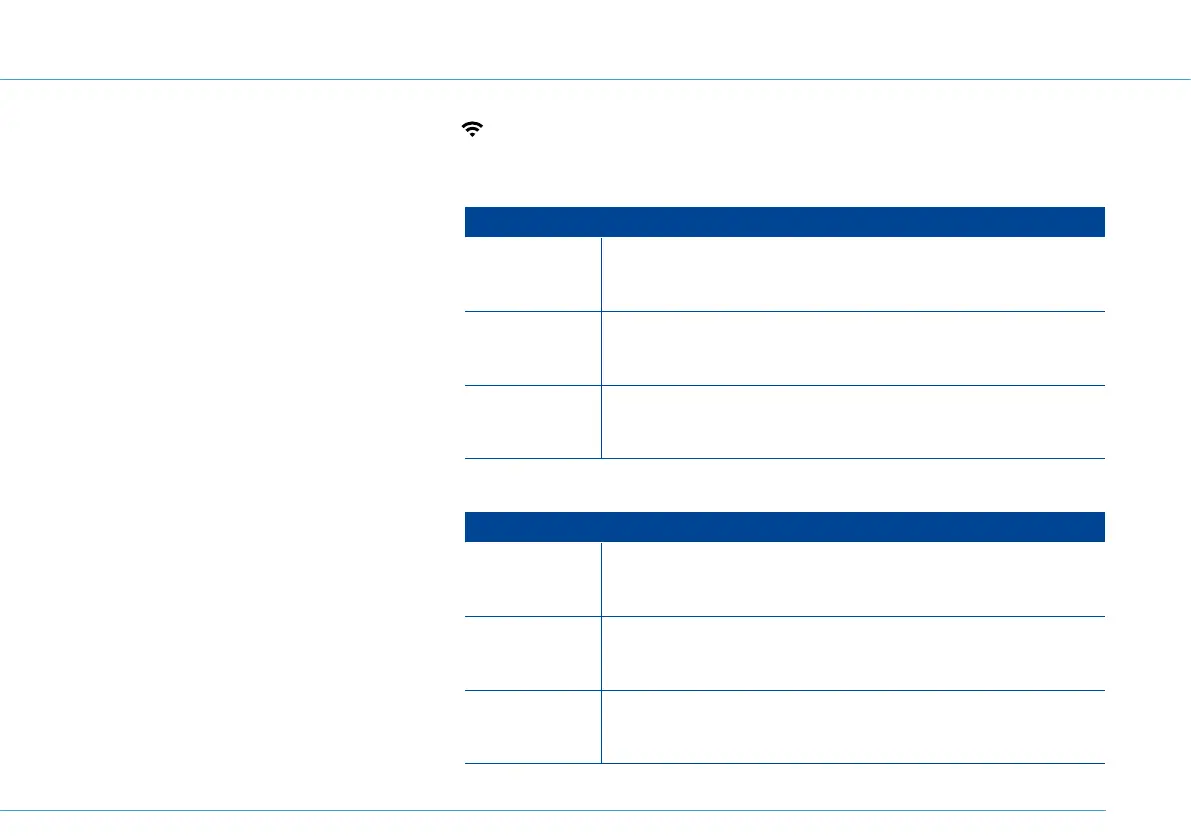
Alternative connection - Wi-Fi connection ( wireless):
Connect smartphone / tablet via Wi-Fi
Open the Wi-Fi menu item on your smart-
phone or tablet. Follow the steps listed in
the table.
1. Select your Wi-Fi wireless network (SSID).
2. Enter the wireless network key. Click on
Connect or Done.
Instructions by operating system (computer)
Windows 7
Start > System Settings > Network and Sharing Center > Connect
to a network
Windows 10
Windows symbol > Settings > Network and Internet > Wi-Fi >
Show available networks
macOS Apple symbol > System Preferences > Network > Wi-Fi
Instructions by operating system (smartphone or tablet)
Apple iOS Settings > Wi-Fi
Google
Android
Menu > Settings > Wi-Fi
Windows
10 Mobile
Settings > Network and Wireless > Wi-Fi
Connect computer via Wi-Fi
1. Turn on Wi-Fi on your computer. Follow
the steps listed in the table.
2. The available Wi-Fi networks will be dis-
played. Connect to your wireless network
(SSID).
3. Enter the wireless network key.
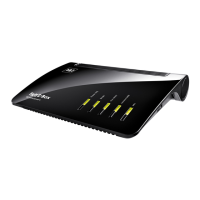
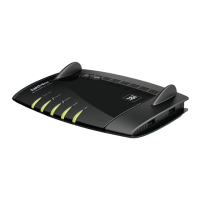
Ensure that the WLAN LED is illuminated on the 1&1 HomeServer. If so, press the “WLAN/WPS” button.
13


 To Next Page