Wi-Fi interference
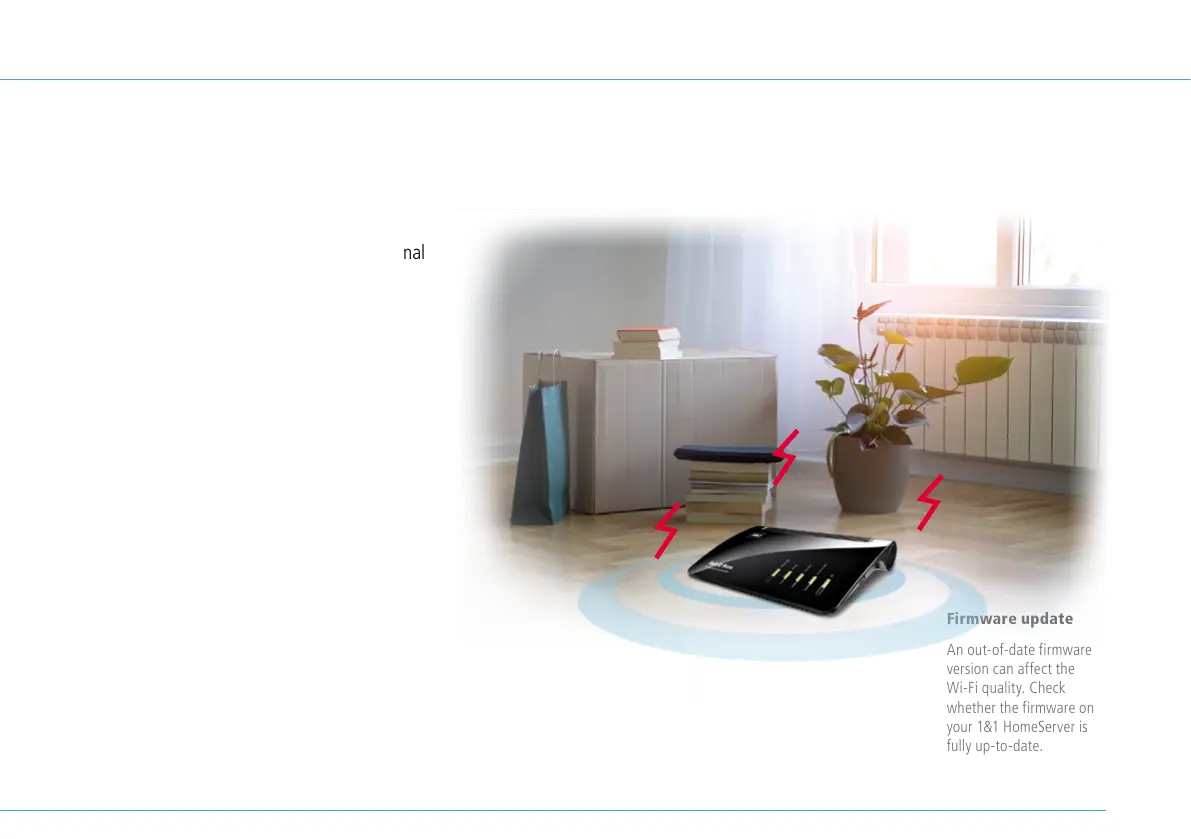
Walls and floors
(depending on the material, loss of signal
from walls can be extremely high)
Furniture
Bluetooth devices
(e.g. wireless keyboards, wireless
headphones)
Plants
Electronic devices
(e.g. microwaves, wireless cameras)
Water-bearing elements
(e.g. water pipes, radiators)
Try to ensure that there are no obstacles
between the 1&1 HomeServer and the
device.
The 1&1 HomeServer emits a signal at
two frequencies (2.4 GHz and 5 GHz) and
automatically switches to the frequency with
the better signal conditions.
Place your 1&1 HomeServer away from obstacles and in a central position - this is a key requirement for ensuring you
receive the best possible Wi-Fi signal. Remove objects that may interfere with the signal.
Firmware update
An out-of-date firmware
version can affect the
Wi-Fi quality. Check
whether the firmware on
your 1&1 HomeServer is
fully up-to-date.
> page 24
27


 To Next Page