2N® Indoor View User Manual
•
Assign a time profile according to a week time sheet to define availability of the selected
function. Just set from-to or days in the week on which the function shall be available.2N
IPintercom helps you create up to 20 time profiles (depending on the2N IPintercom model)
that can be assigned to the function; refer to the Users, Access Cards and Switches settings.
The time profiles are defined not only using the week time sheet but also manually with the aid
of special activation/deactivation codes that you can assign to them after arriving in/before
leaving your office, for example. Enter the activation/deactivation codes using the numeric
keypad of your intercom or phone (during the intercom call). Refer to theDirectory/Time
Profilesmenu for the time profile settings.
List of Parameters
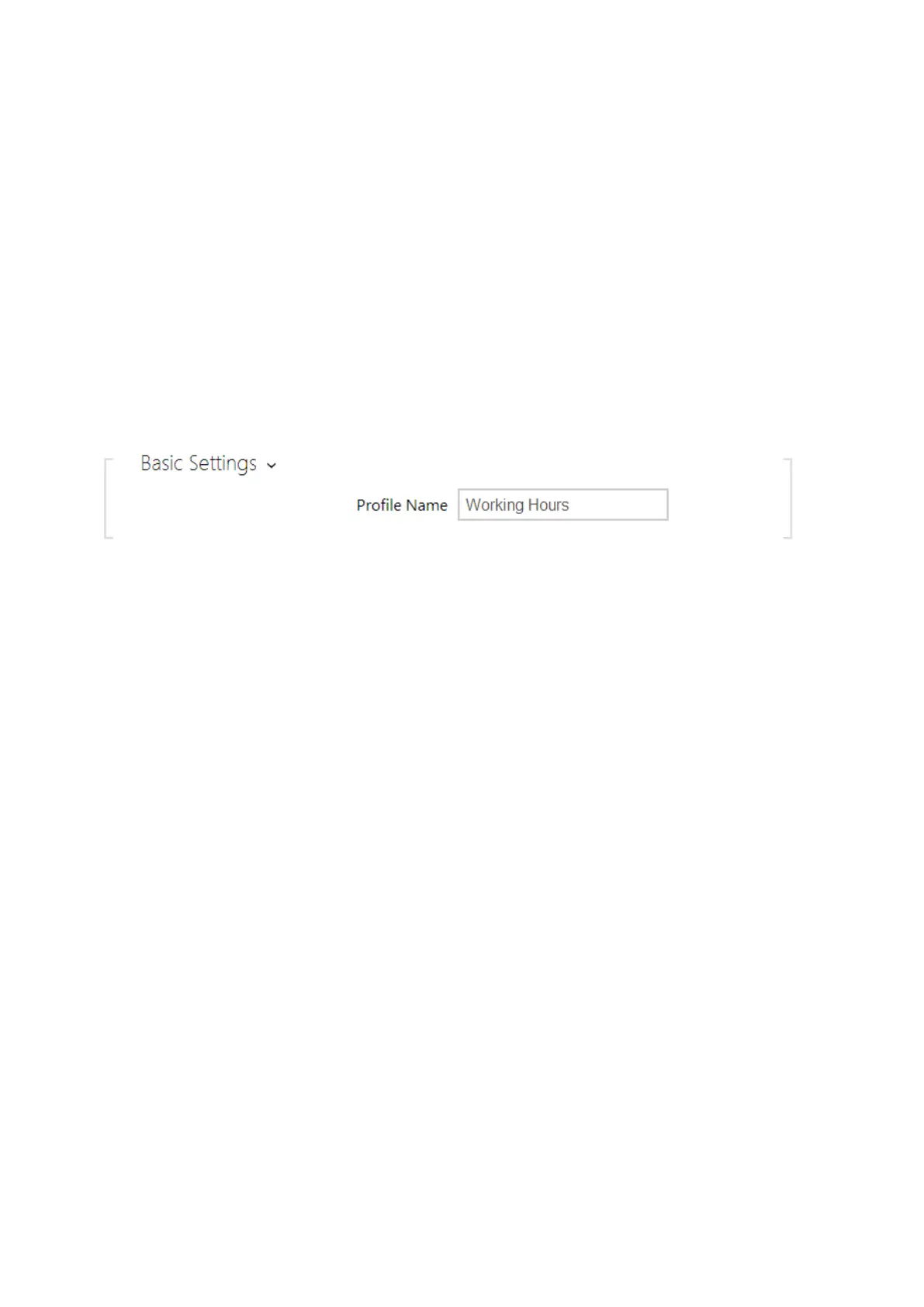
Profile name– enter a profile name. This parameter is optional and helps you find items
in the time profile list and select profiles in the switch, card and phone number settings
more easily.



 To Next Page