2N® Indoor View User Manual
4.
5.
6.
7.
•
•
•
•
•
Enter the calling destination address into the destination field to which the call is to be
routed.
Complete SIP URI in the formatuser_name@hostor the target IP address
(e.g.:johana@255.0.255.0orjohana@calls.2N.com).For local calls, fill in the called 2N
device ID, refer to Local Calls in3.2.3.1. Phone.
You can edit basic information.
Once saved, the contact will be shown in the phone book on the device display.
Make sure that the call transmitting service is enabled on the called device to make a
successful call.
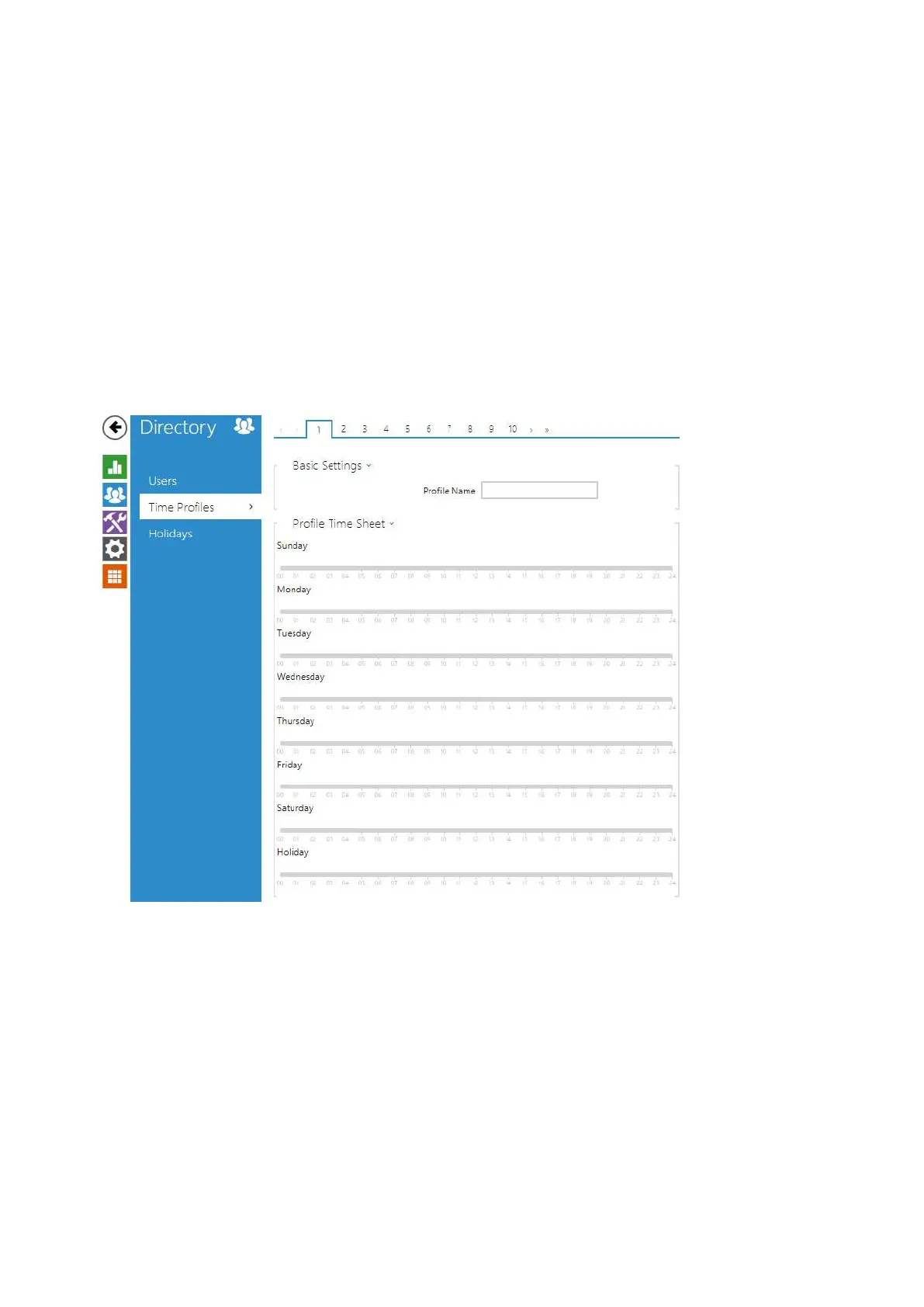
3.2.2.2 Time Profiles
Selected functions, such as outgoing calls, RFID / numerical code based access, e.g., can be
time-limited by being assigned a time profile. By assigning a time profile you can:
block all calls to a selected user beyond the set time interval
block calls to selected phone numbersbeyond the set time interval
block RFID access for a userbeyond the set time interval
block numeric code access for a userbeyond the set time interval
block switch activation beyond the set time interval



 To Next Page