2-6 C
HAPTER
2: I
NSTALLATION
Once the server is turned on, you can change these parameters using the
Firmware Configuration Utility (refer to Chapter 4, “Configuration”).
If you configure a port as the console port and then enable the monitor,
that port cannot be used for another type of device.
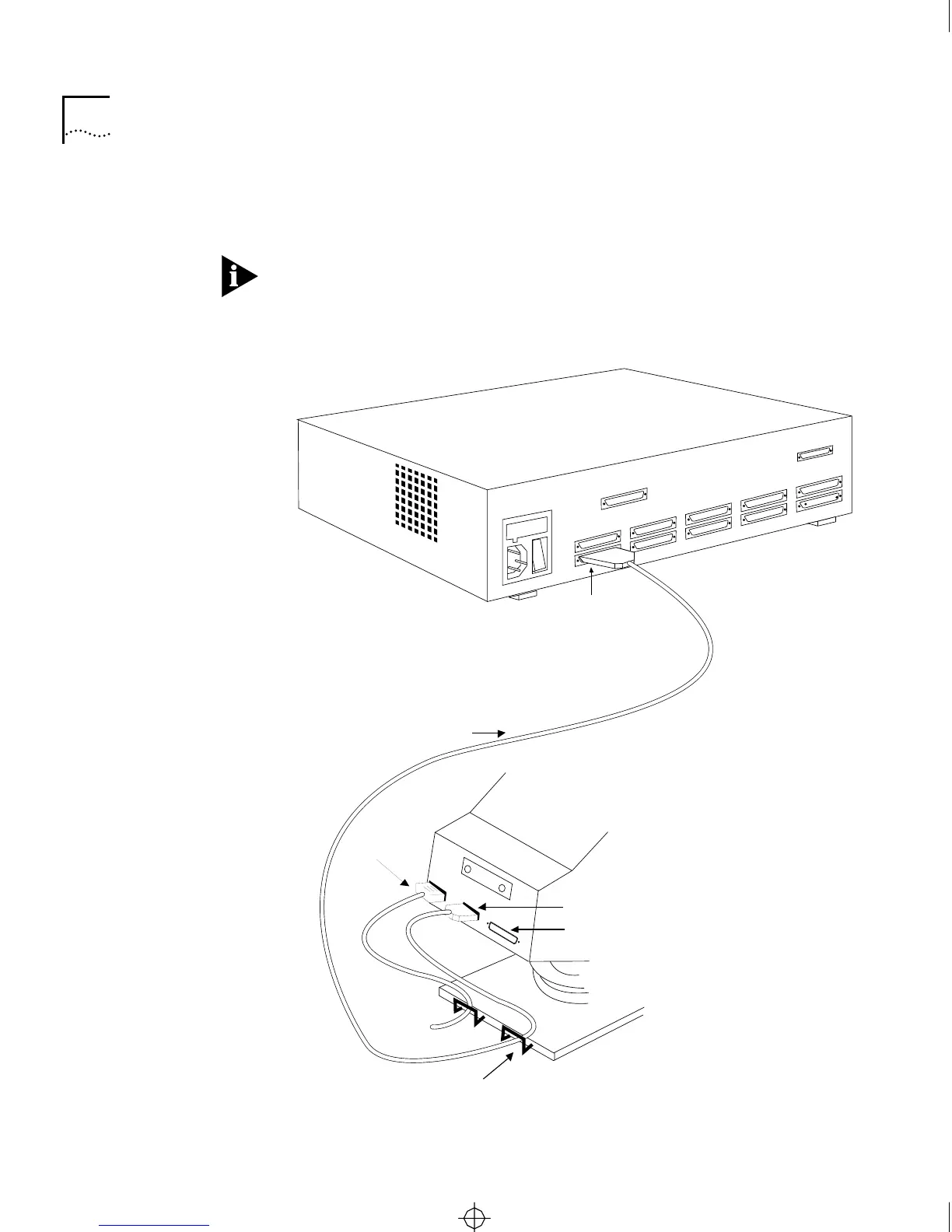
Attach the cable from the server to the terminal as shown in Figure 2-2.
Back of server
AC power
connector
MODEM port
Back of
terminal
Serial
cable
AUX port
Cable guard
Attach cable
to port J0
CS2500BookFile : Installation Page 6 Thursday, December 11, 1997 10:44 AM



 To Next Page