Parallel Printer Port A-5
* Attached to power return.
† Current should not exceed 500 mA.
Parallel Printer Port
CS/2500 and CS/2600 servers include a printer port (labeled “Parallel
Printer”) for connecting the server to Centronics-type parallel printers.
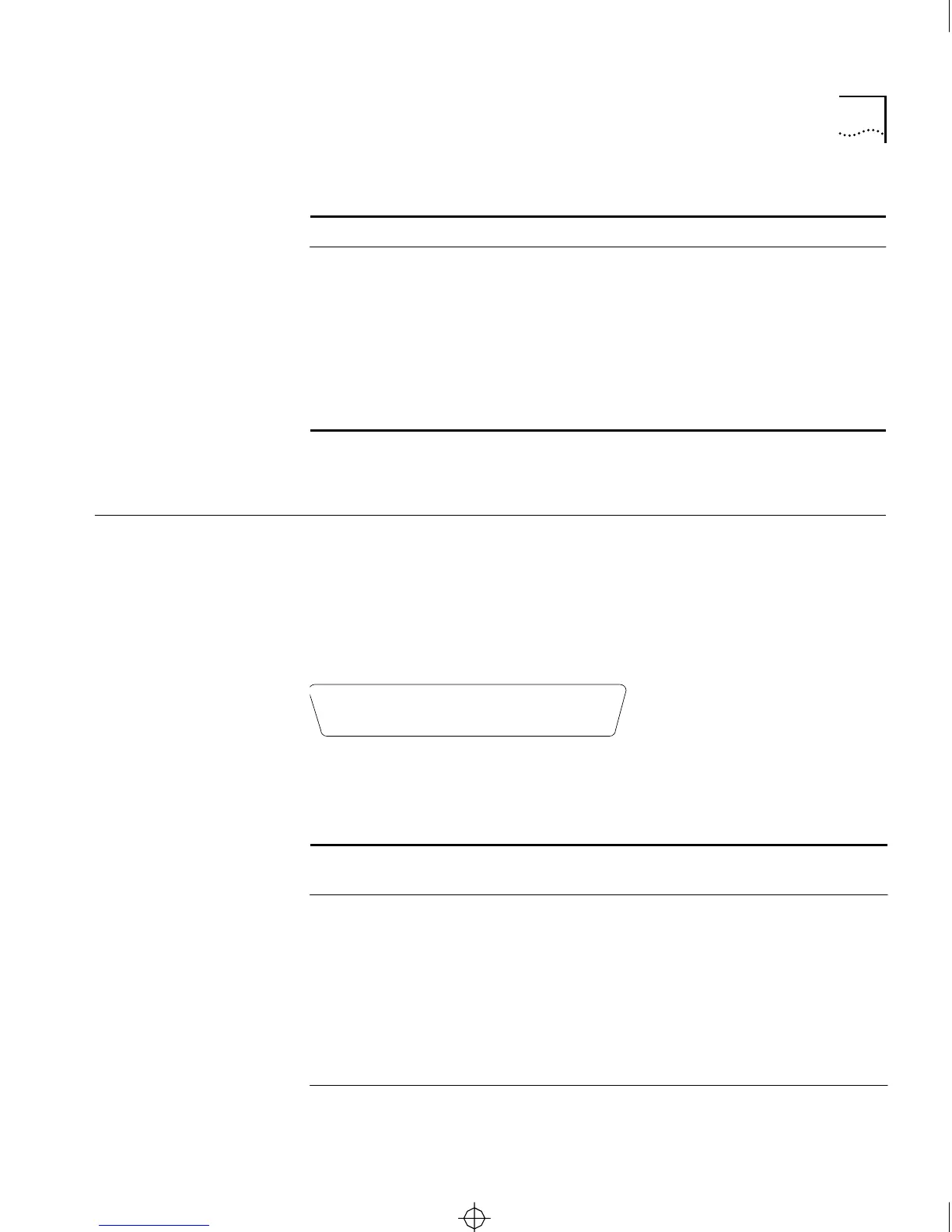
Figure A-5 shows pin numbers for this port. Table A-3 lists pin
assignments. The table shows pin assignments for both the server
interface and the printer connector interface.
Figure A-5 Printer Port Pin Numbers
11
*
Transmit Shield DO-S Data Out circuit shield
12 Receive (-) DI-B Data In circuit B
13
†
Power VP Voltage plus
14
*
Power Shield VS Voltage shield
15 Control Out (-) (unsupported) CO-B Control Out circuit B
Shell Chassis Ground PG Protective ground;
conductive shell
Table A-2 Transceiver Connector Pin Assignments (continued)
Pin Function Circuit Use
Table A-3 Printer Port Pin Assignments
Pin (Server
Interface)
Pin (Printer
Interface)
Signal Source Description
1 1 Strobe Server —
2 2 Data1 Server Data Bit 0
3 3 Data2 Server Data Bit 1
4 4 Data3 Server Data Bit 2
5 5 Data4 Server Data Bit 3
6 6 Data5 Server Data Bit 4
7 7 Data6 Server Data Bit 5
(continued)
• • • • • • • • • • • • •
1 2 3 4 5 6 7 8 9 10 11 12 13
• • • • • • • • • • • •
14 15 16 17 18 19 20 21 22 23 24 25
CS2500BookFile : PinAssignments Page 5 Thursday, December 11, 1997 10:44 AM



 To Next Page