Pannoramic DESK 1.18.1 User’s Guide 4 Software Description
Base Settings
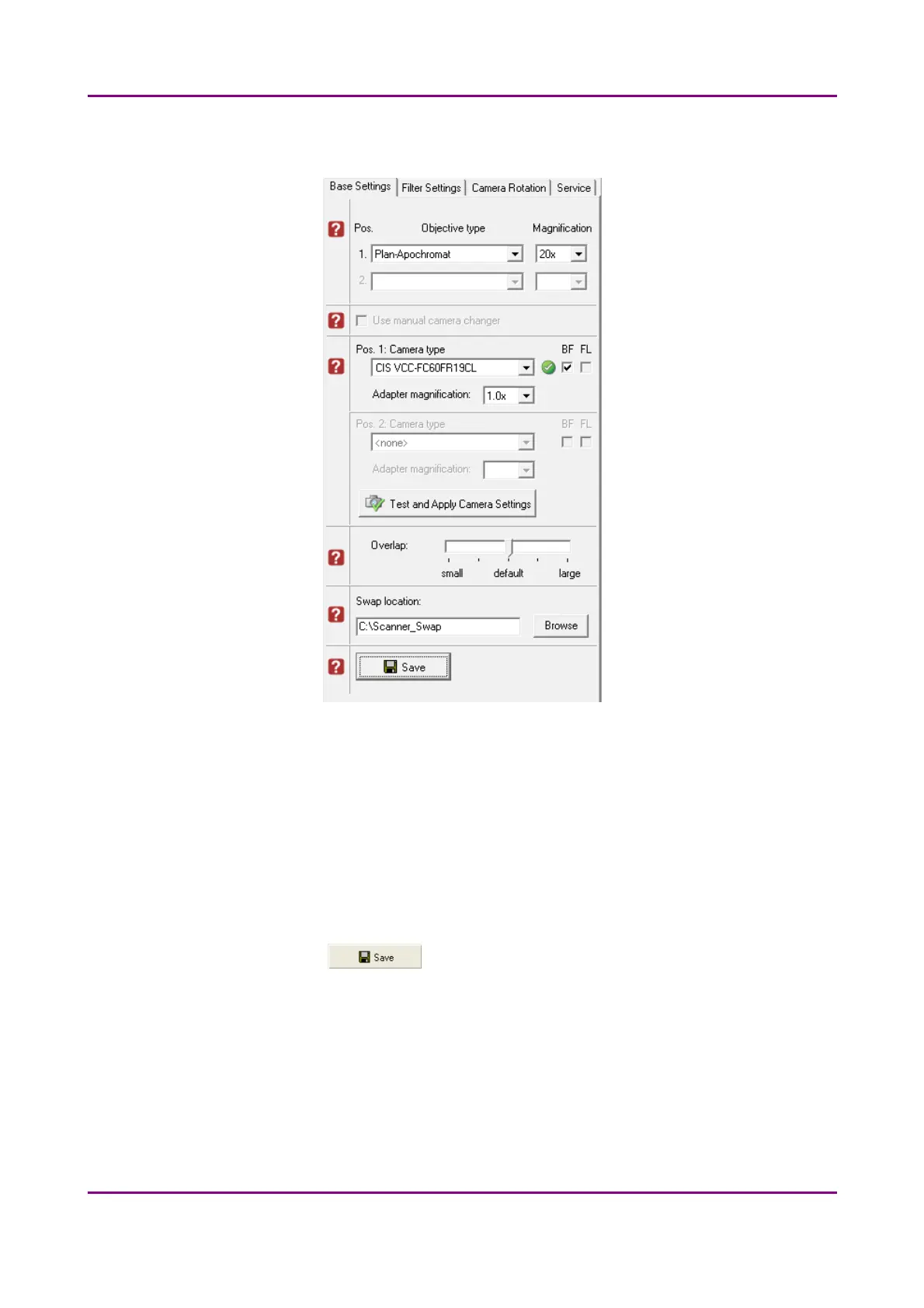
Figure 12 – Base settings
Objective type
You can select the type and the magnification level of the objectives.
Camera type
Select the correct camera type in Pos. 1: Camera type, then the software automatically
loads the camera settings upon clicking the Test and Apply Camera Settings button.
Save settings by clicking the button.
May 29, 2014 - Rev. 1 3DHISTECH Ltd.
32(77)



 To Next Page