Pannoramic DESK 1.18.1 User’s Guide 4 Software Description
4.3.8 Start Scan
To start digitization process, click after checking all settings.
Caution!
Before starting digitization process ensure that you have enough free
space on the destination drive. You can check the available free disk
space in the last line (Available disk space) of the information area of
Current Slide Scan Progress.
You can interrupt a running digitization process by clicking . This button is only enabled if
a digitization process is in progress.
4.4 Scan To Server
The ScanToServer function is available for you to scan directly to a dedicated CaseCenter server.
To setup connection with a designated server, follow the steps below:
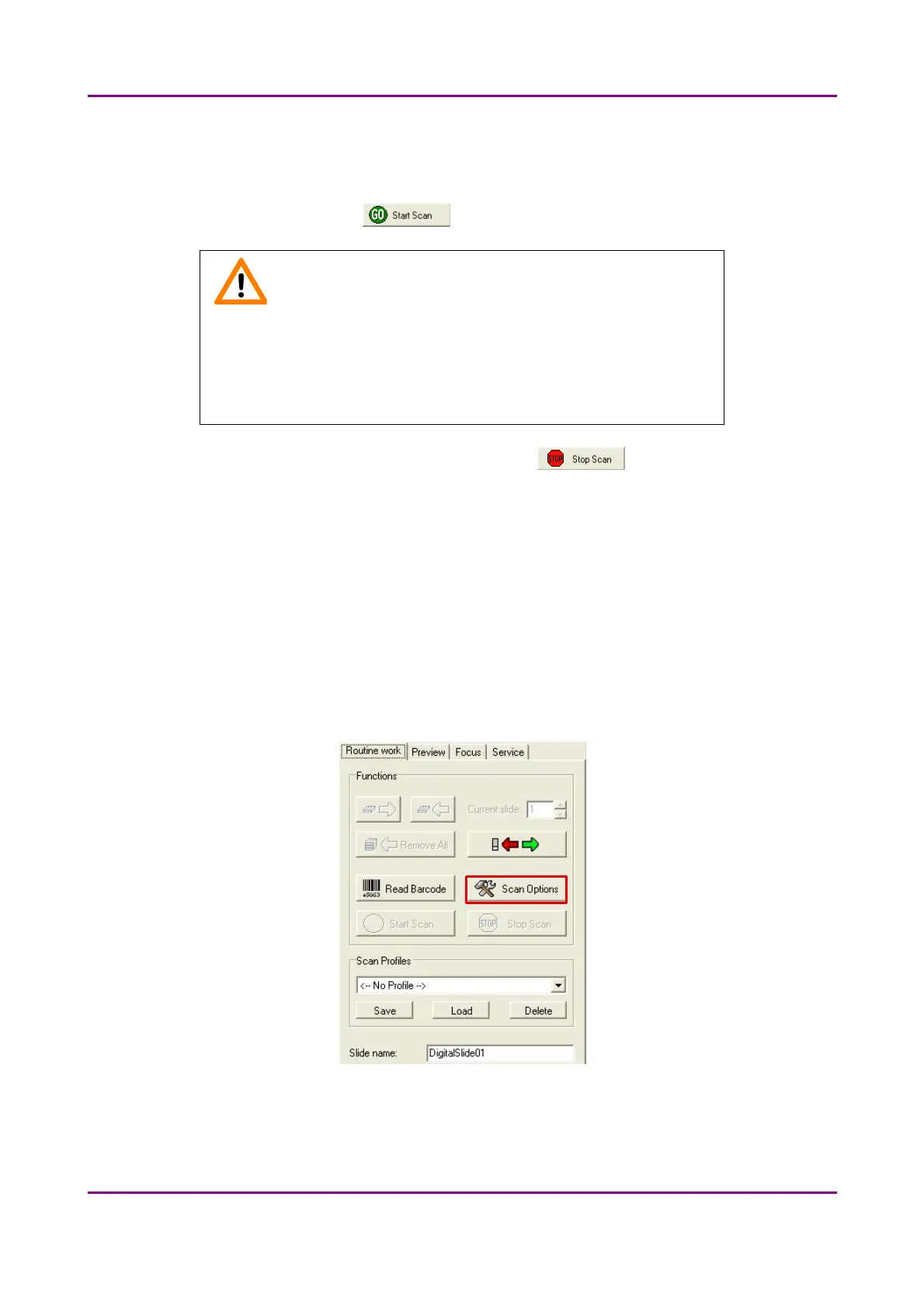
1. Click Scan Options on the Routine Work tab panel.
Figure 38 – Scan Options button
May 29, 2014 - Rev. 1 3DHISTECH Ltd.
57(77)



 To Next Page