Pannoramic DESK 1.18.1 User’s Guide 4 Software Description
• Use Selection Box
Select this if you have a compensation slide that has only certain predefined areas
for creating compensation images (due to the type of the compensation slide, or
because the compensation slide has faded in some areas).
To create the compensation image(s), click . Click the Stop button to interrupt
the process.
The Progress bar at the bottom of the window displays the progress of the compensation image
creation.
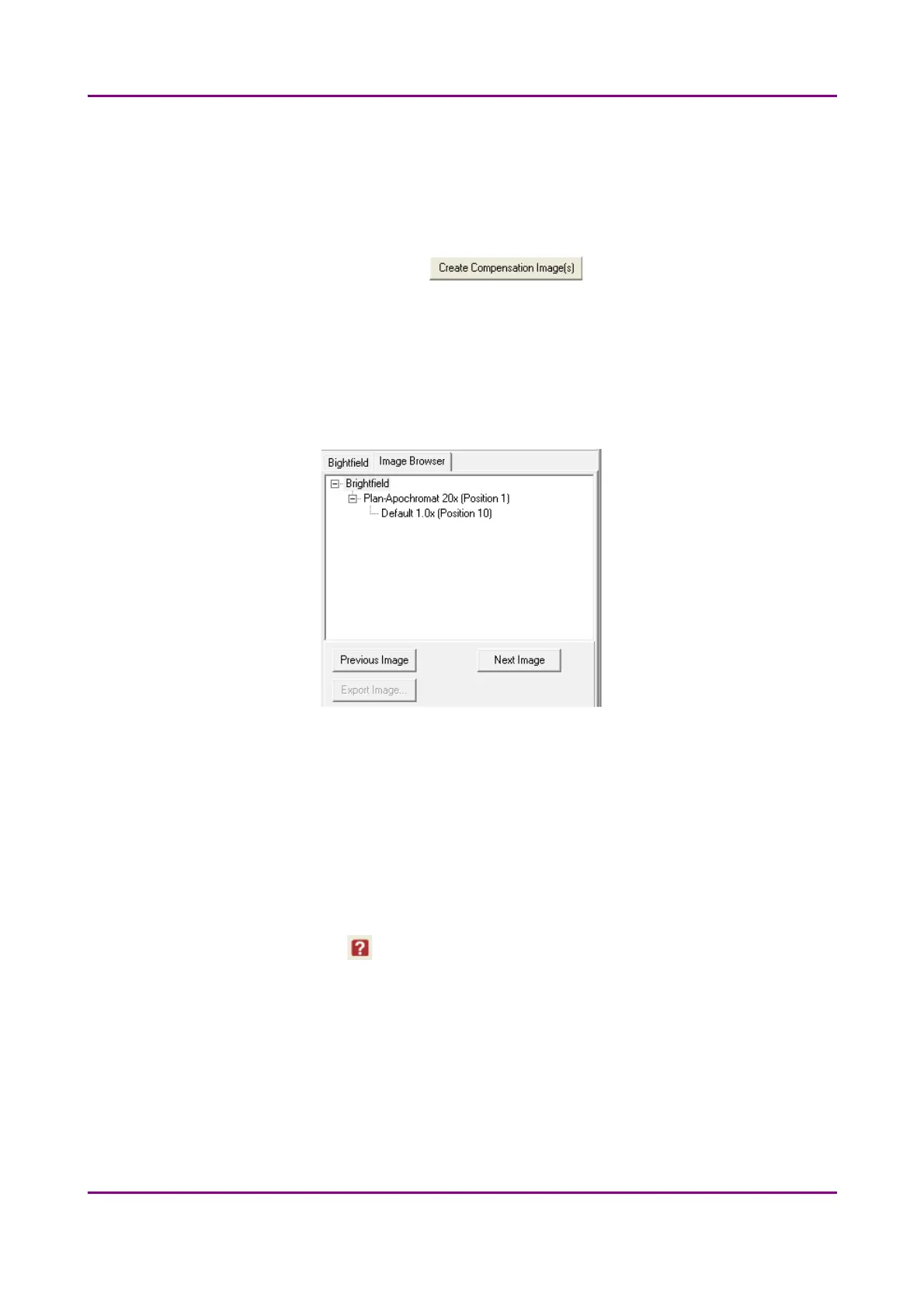
Image Browser panel
Figure 11 – Image Browser
This function displays the created compensation image.
4.2.3 Microscope Settings
By moving the mouse over the buttons, the software displays information about the setting you
are interested in.
May 29, 2014 - Rev. 1 3DHISTECH Ltd.
31(77)



 To Next Page