Pannoramic DESK 1.18.1 User’s Guide 4 Software Description
To administer profiles, use the Scan Profiles field.
• The current profile name is displayed at the bottom left corner of the screen.
• To save the current profile, click Save.
• To select an existing profile from the selection menu, click Load.
• To delete the current profile click Delete.
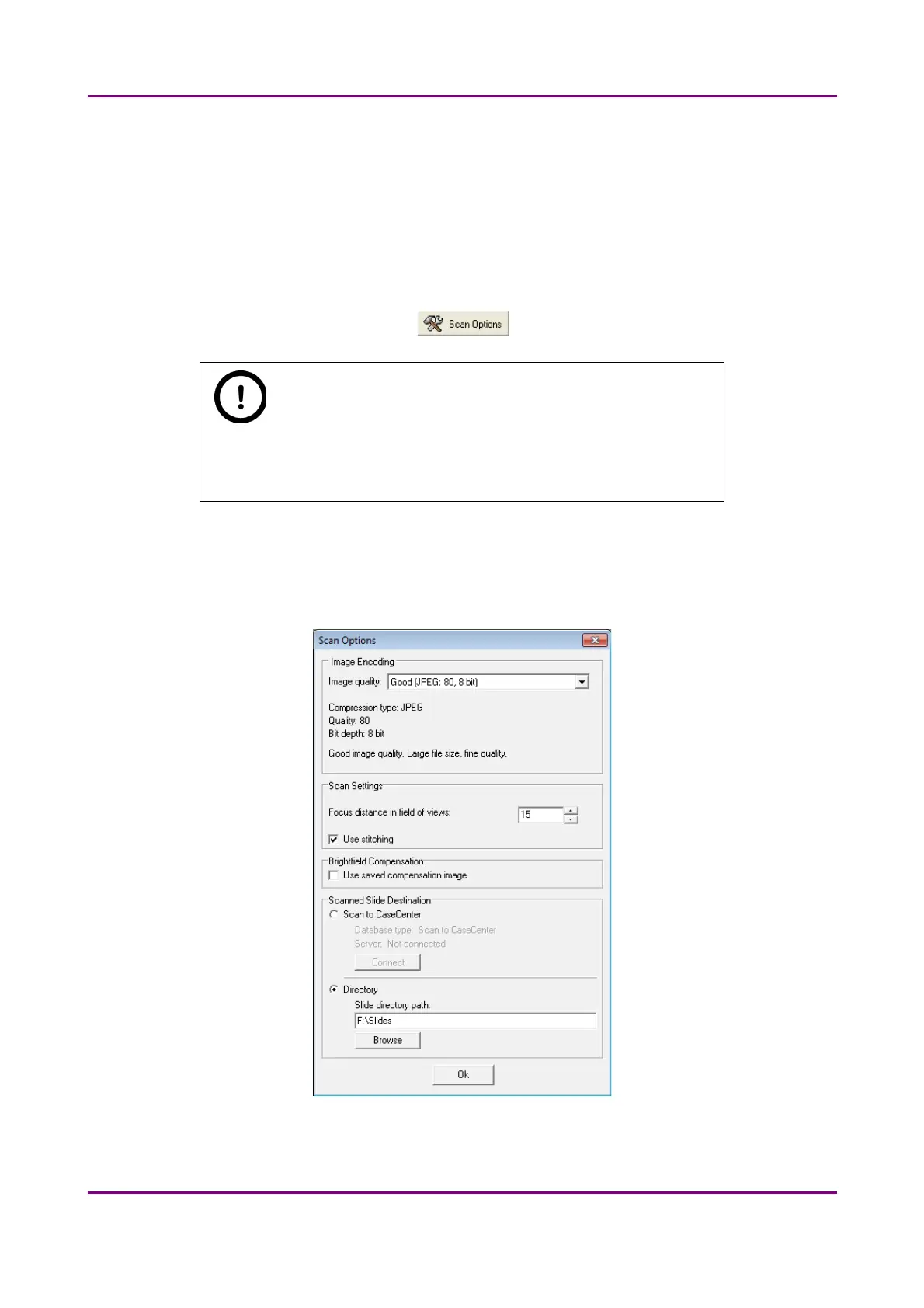
To access the Scan Options window, click .
Note:
These settings are only applicable if you do not use profiles. If you use
profiles, the settings stored in them are used.
4.3.2 Scan Options window
Figure 21 – Scan options window
May 29, 2014 - Rev. 1 3DHISTECH Ltd.
41(77)



 To Next Page