Pannoramic DESK 1.18.1 User’s Guide 4 Software Description
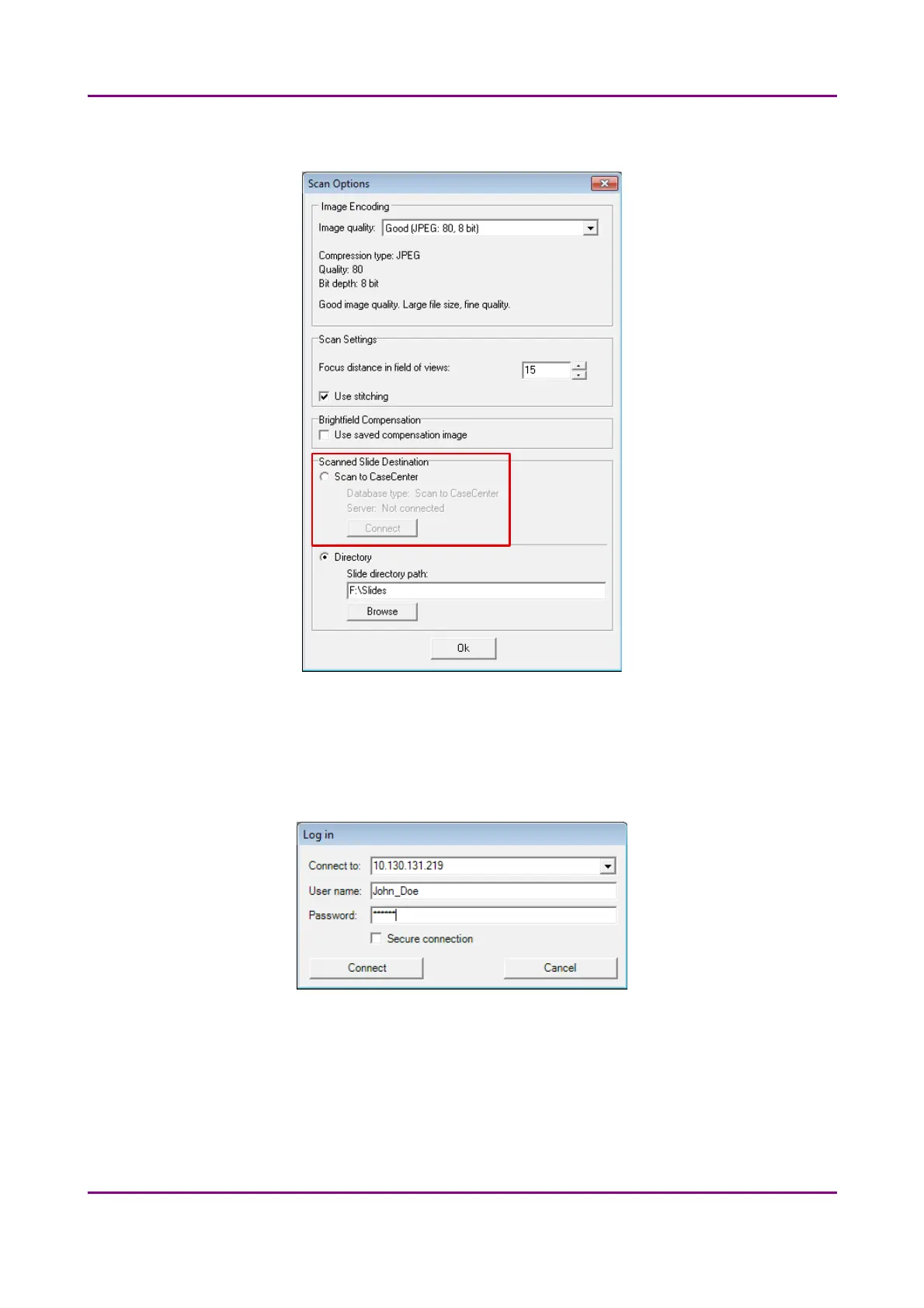
2. Select the Scan to CaseCenter option in the Scan Option window, then click Connect.
Figure 39 – Scan to CaseCenter option
3. Type in or select the server address from the Connect to: drop-down list, and give the User
name and Password.
Activate the Secure connection option to enable HTTPS connection. Click Connect when
finished.
Figure 40 – Server Log in window
May 29, 2014 - Rev. 1 3DHISTECH Ltd.
58(77)



 To Next Page