Pannoramic DESK 1.18.1 User’s Guide 4 Software Description
Caution!
If you have transported the product, or changed the camera, there is a
possibility, that the camera does not display the images properly. If you
experience such problems, contact service support. Do not modify
these settings yourself.
Service
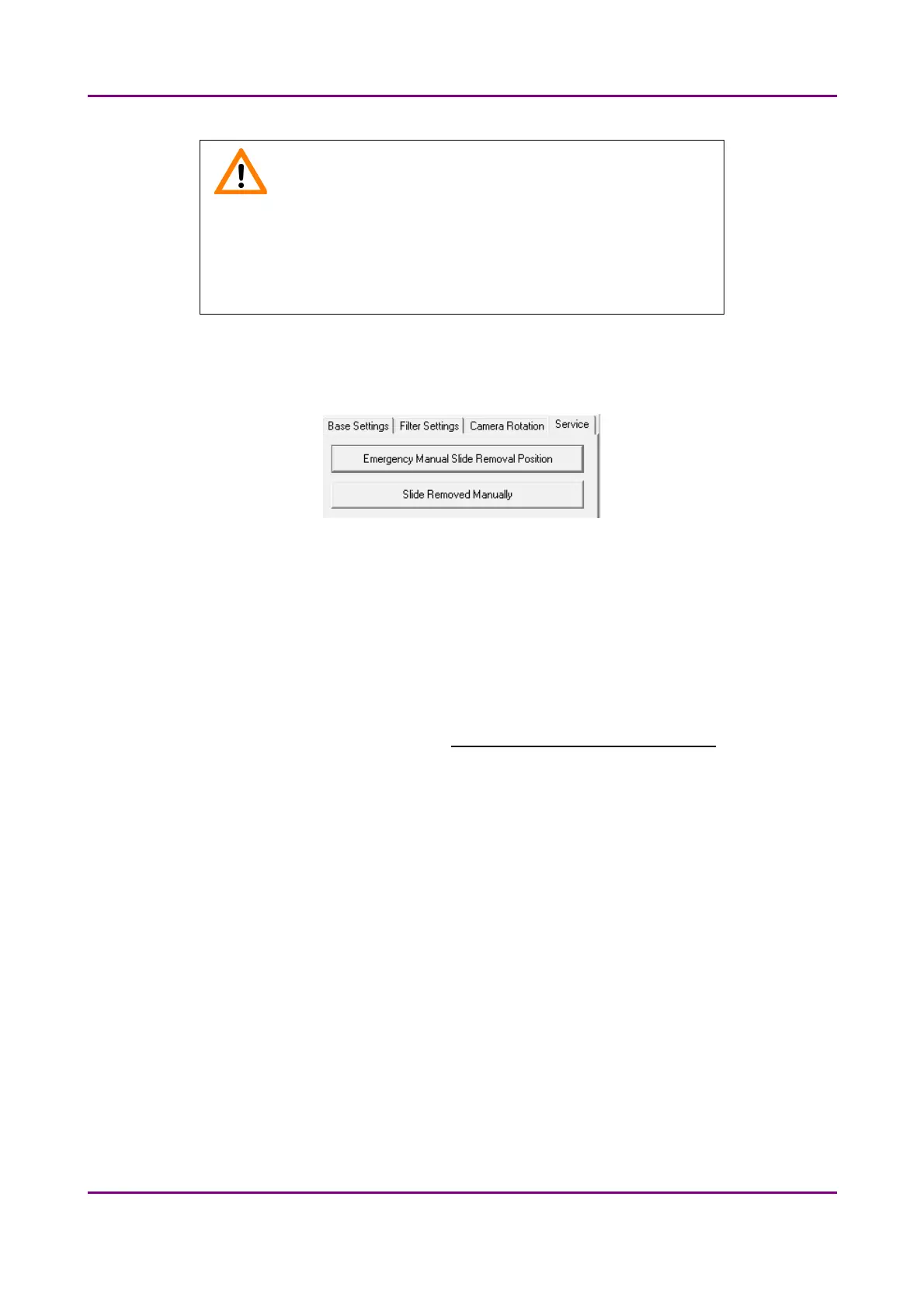
Figure 15 – Service tab
This tab contains control and maintenance functions.
Emergency Manual Slide Removal Position
The specimen holder will be moved to a position where the slide can be removed manually
after opening the cover (see section 5.3.1 Removing the protective cover).).
Slide Removed Manually
Click this button to notify the software that you have removed the slide manually.
May 29, 2014 - Rev. 1 3DHISTECH Ltd.
35(77)



 To Next Page