Pannoramic DESK 1.18.1 User’s Guide 4 Software Description
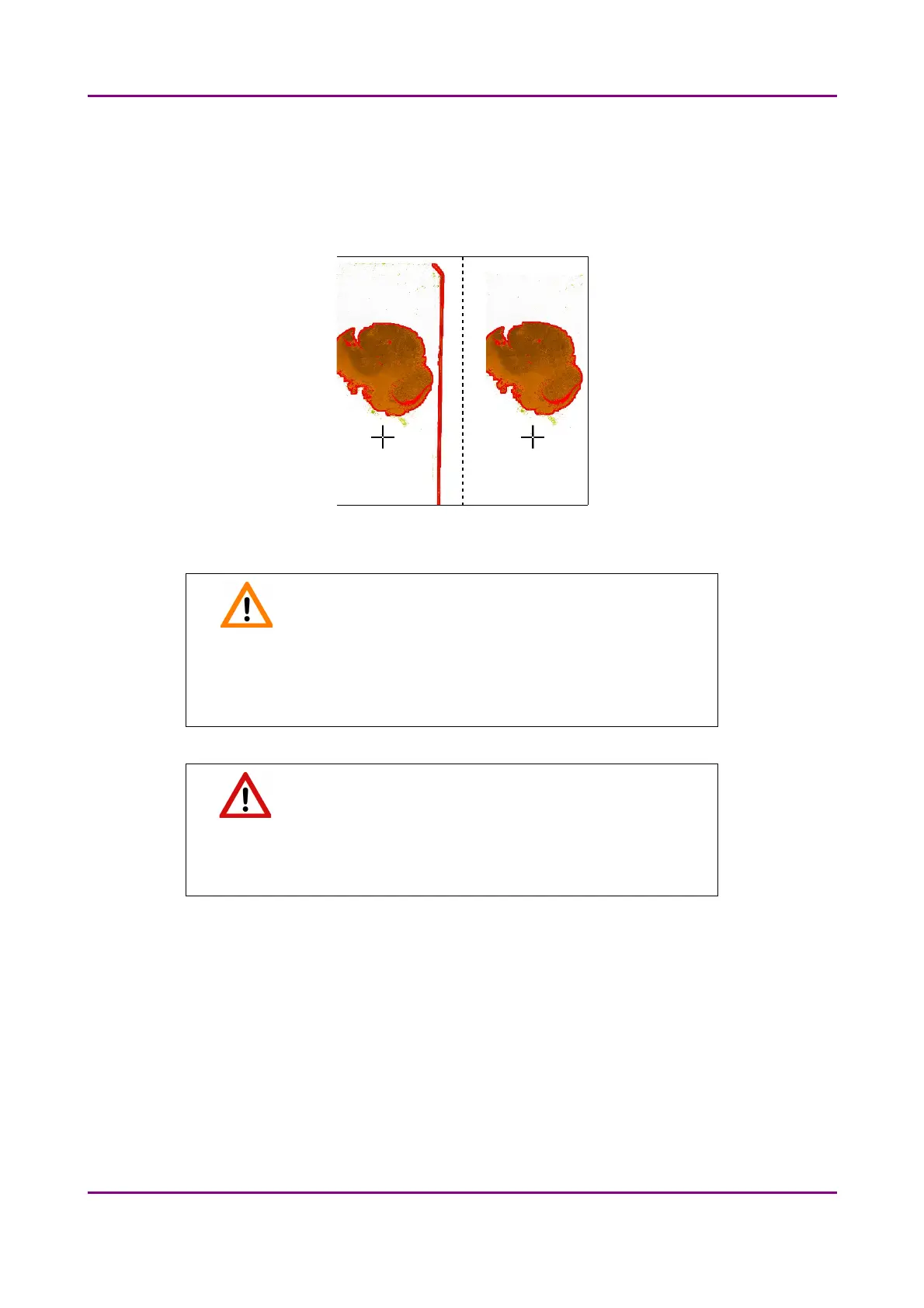
• Remove coverslip – If selected, the edges of the coverslip are not detected as specimen to
be scanned.
Depending on the threshold level, it is possible that the edges of the coverslip are detected
as areas to be digitized.
Figure 24 – Preview image with and without coverslip edge
Caution!
It requires lots of time (since it cannot find focus neither on the
edges, nor on specks) to digitize coverslip edges. Select Remove
coverslip function to eliminate those areas.
Warning!
Do NOT use Remove coverslip function on TMA slides! The layout of
TMA slides may mislead the detecting algorithm.
• Fill holes in scan area – If selected, the holes inside the specimen will also be scanned.
Often these holes contain small sample objects that otherwise would not be scanned.
• Remove specks – If selected, the scanner does not digitize objects smaller than the
predetermined size. This helps filtering specks and other uninteresting objects out. Set the
maximum size of specks not to be digitized by adjusting the Speck size slider.
• Scan area dilation – Adjust the slider to enlarge or decrease the scanned area. The edge is
extended discretely by 100 µm each time.
May 29, 2014 - Rev. 1 3DHISTECH Ltd.
45(77)



 To Next Page