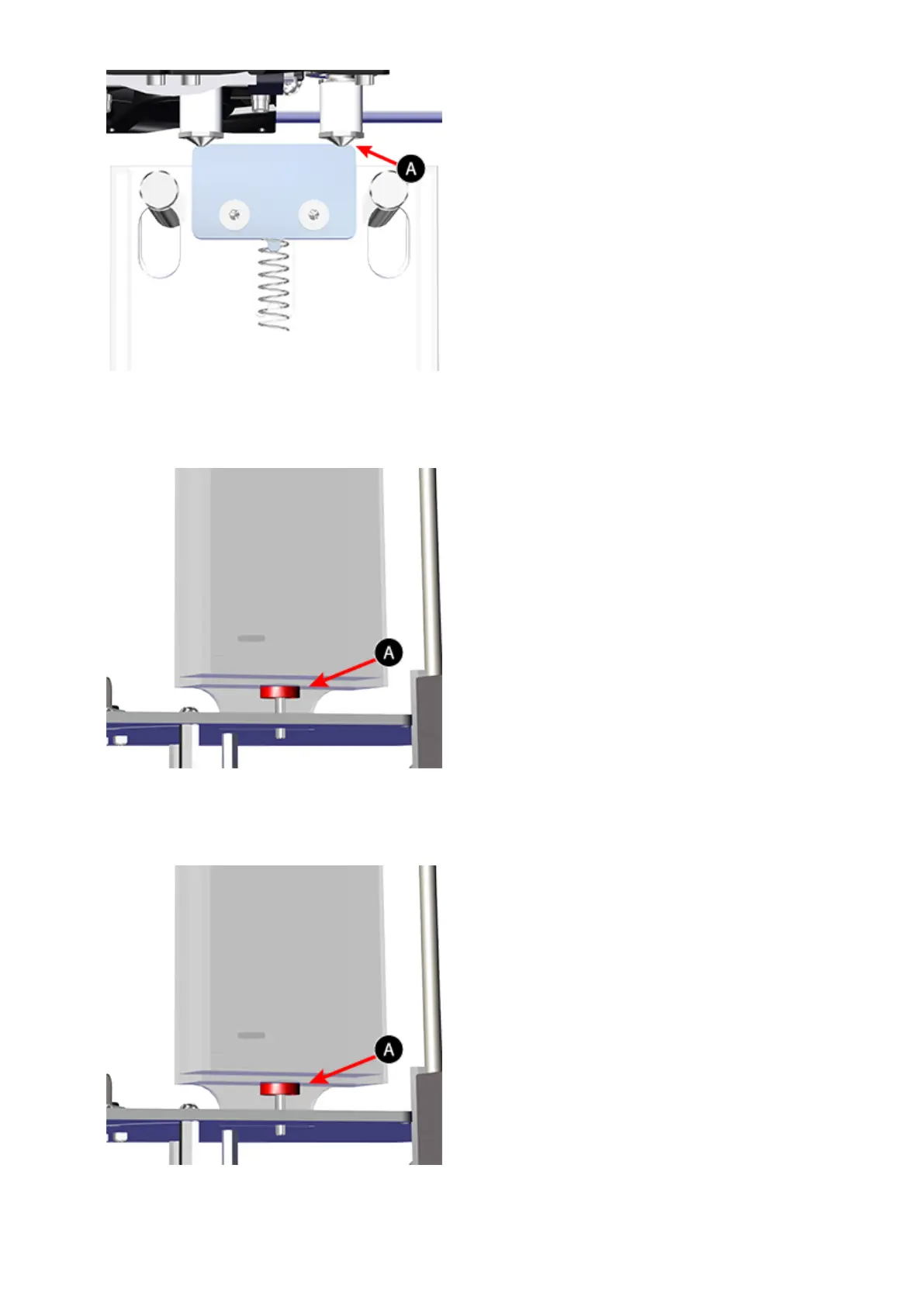
If the wiper blade is too high, remove the jet wiper assembly and turn the adjustment50.
thumbscrew (A) clockwise. Reinstall the jet wiper and return to step 48.
If the wiper tip is too low, remove the jet wiper assembly and turn the adjustment51.
thumbscrew (A) counter-clockwise. Reinstall the jet wiper and return to step 48.
Once satisfied with the adjustment, connect your printer to utility power and power on52.











 To Next Page