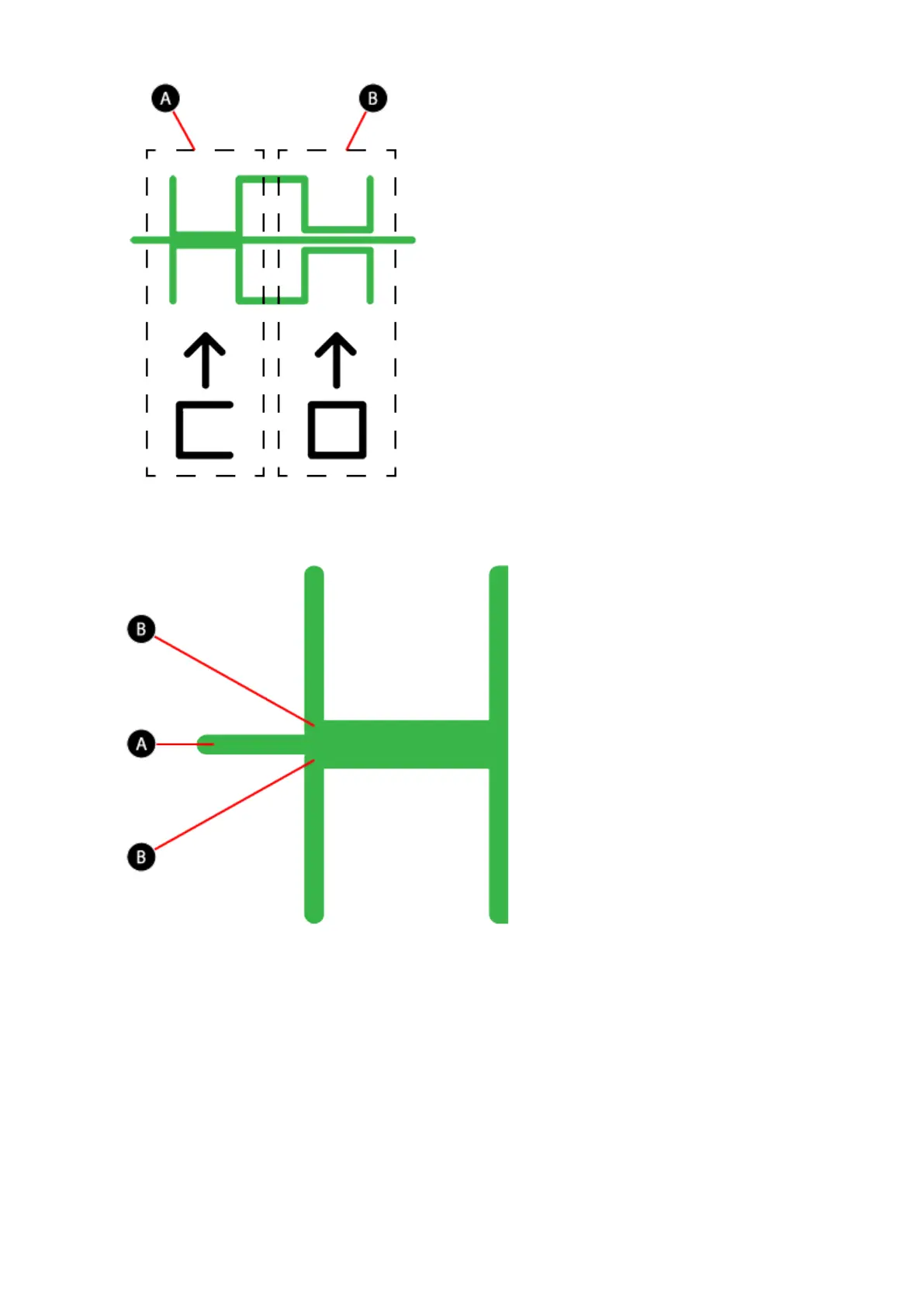
Correct Closed Z-Gap
Referring to the illustration, the Closed Z-Gap bars (B) should touch the baseline (A).
Incorrect Closed Z-Gap
If there is a gap (B) between the Closed Z-Gap bars and the baseline (A), turn all three print
pad adjustment knobs counter-clockwise (left) 1-step and then print the file again to verify
the lines touch. If the lines do not touch on the second print, adjust the knobs again 1-step
and reprint the file. Continue to do this until the lines meet.












 To Next Page