Multifunctional settings
INPUT menu (continued)
Item Description
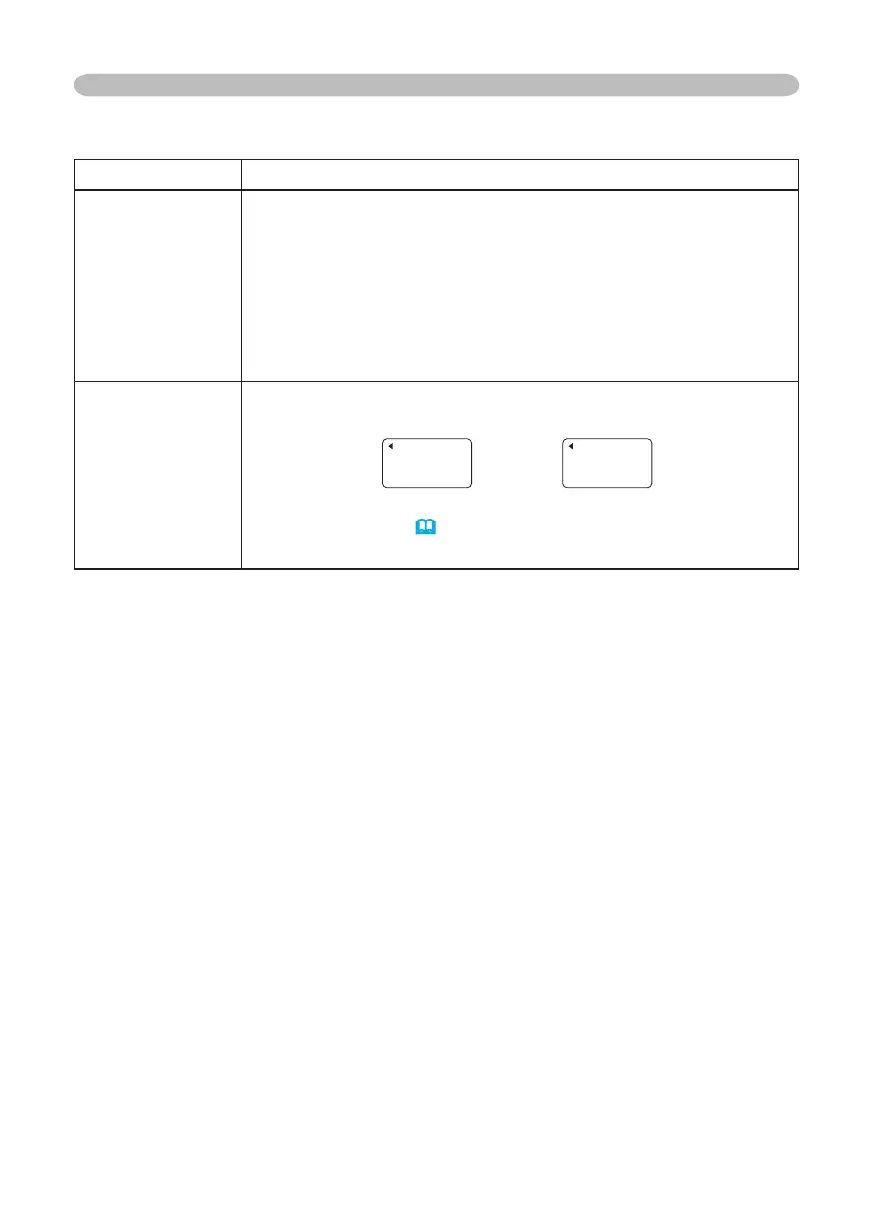
FRAME LOCK
Using the buttons ▲/▼ turns the frame lock function on/off.
TURN ON
TURN OFF
• This item performs only at a RGB signal with vertical frequency of
50 to 72 Hz for the model S15, or 50 to 60 Hz for the model X15.
• When the TURN ON is selected, a moving picture is displayed
more smoothly.
• This function may cause a certain degradation of the picture. In
such a case, please select the TURN OFF.
INFORMATION
Choosing this item displays a dialog titled “INPUT INFORMATION”.
It shows the information about the current input.
• The “FRAME LOCK” message on the dialog means the frame lock
function is working.
(
33)
• This item can't be chosen at no signal.
INPUT-INFORMATION
RGB
1024x768 @60.0
FRAME LOCK
INPUT-INFORMATION
S-VIDEO
SECAM
AUTO
© 3M 2005. 3M™ Digital Projector S15/X15



 To Next Page