Appendix A. Installing the Battery Backup Unit
104 3ware 9000 Series Serial ATA RAID Controller Installation Guide
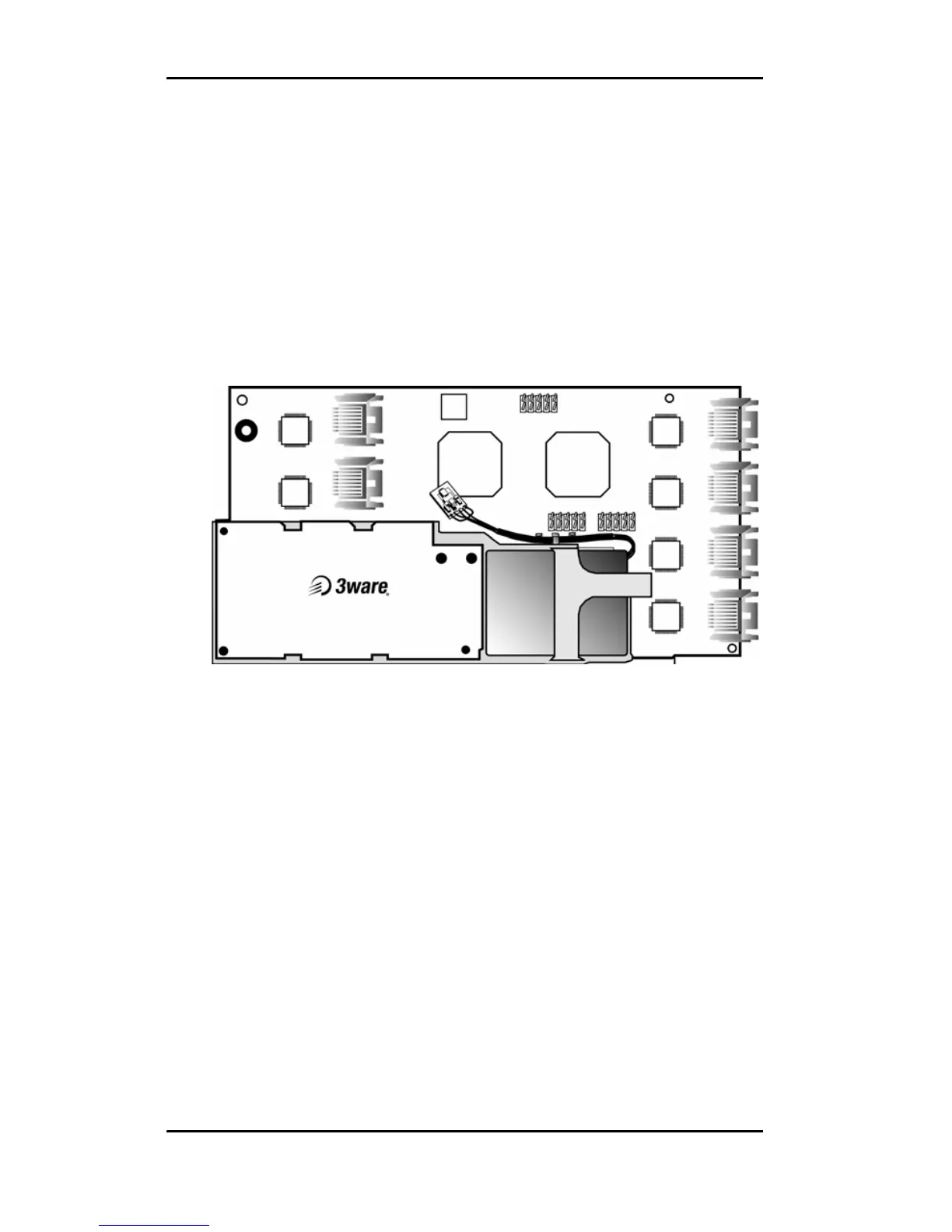
6 Align the Battery Backup Unit to the controller with these
connectors:
Mate the connector on the BBU with the receptacle on the
controller.
Match the plastic post on the BBU with the hole on the
controller.
7 Press down gently until the BBU is seated.
Figure 8. BBU attached to controller
8 Reconnect the PCI bracket, using the phillips screws you
removed in Step 2.
For the full-height board, the bracket sits on top of the board,
and screws are inserted from the bottom.
For the half-height board, the bracket sits on the bottom of the
board, with screws inserted from the top.



 To Next Page