Copyright © 2017, 4ipnet, Inc. All rights reserved. All other trademarks mentioned are the property of their respective owners.
1.2 General Information Configuration
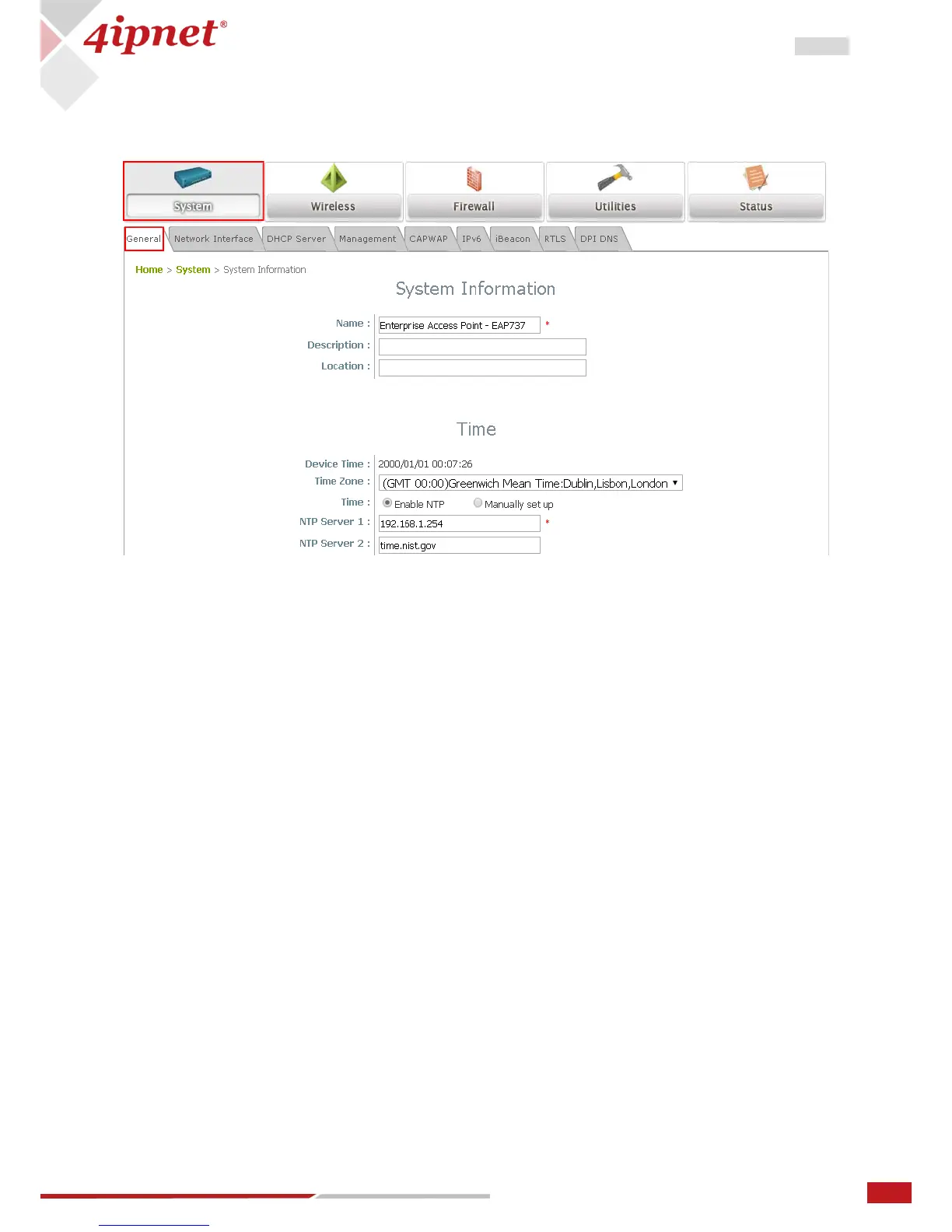
Go to System General page (Home > System > General) to configure general information for the AP.
1. System Information: Enter appropriate system related information (Name, Description, and Location),
by which administrators will be able to identify the AP in the network.
2. Time: For this initial configuration, set the system time for the AP using the method of Enable NTP (to
sync the system clock with Network Time Protocol (NTP) server).



 To Next Page