USER’S MANUAL OF WNAP 3G MOBILE ROUTER Version: 2.0
40
III PPPoE
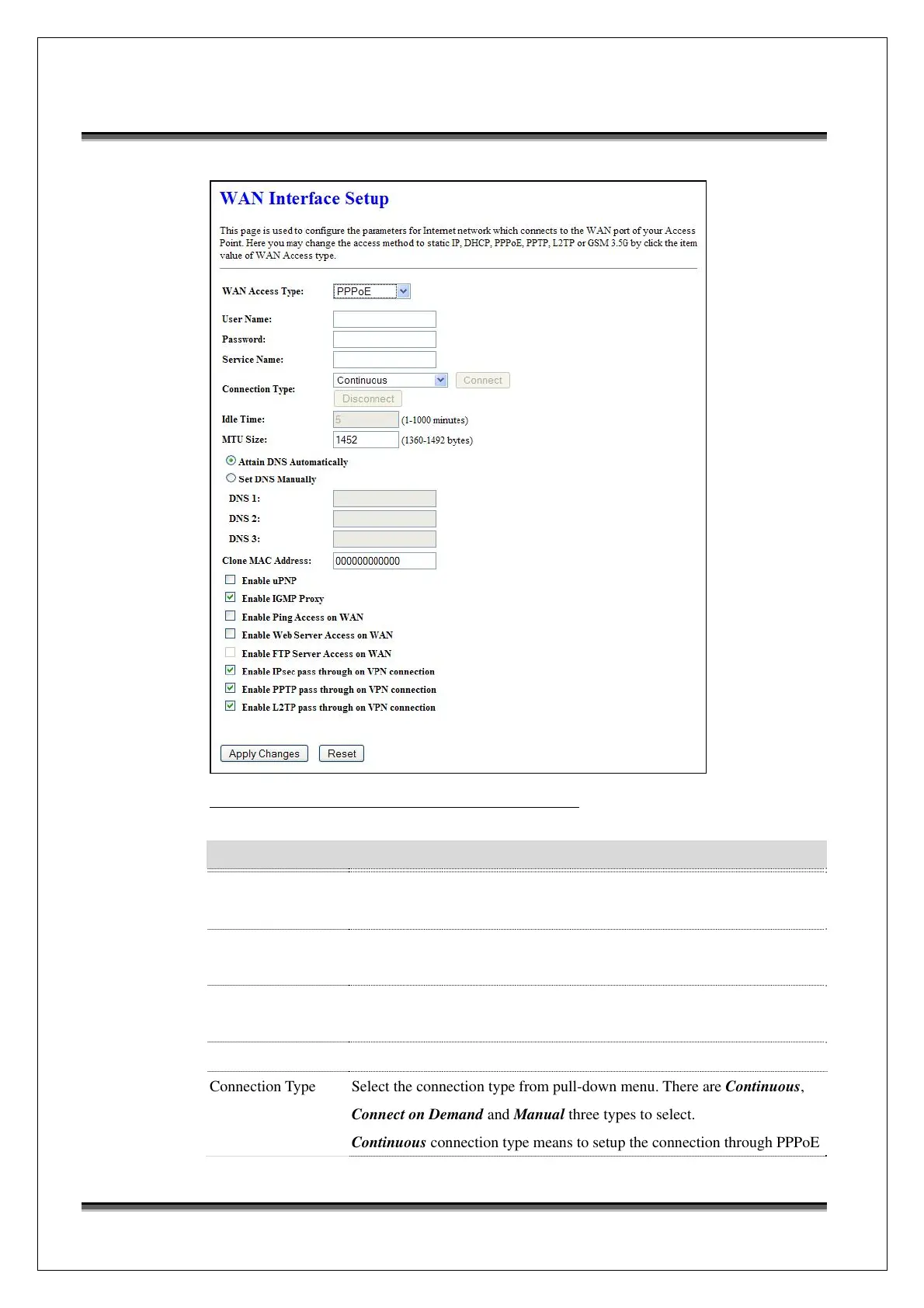
Screen snapshot – WAN Interface Setup – PPPoE
Item Description
PPPoE Click to select PPPoE support on WAN interface. There are user name,
password, connection type and idle time settings need to be done.
User Name If you select the PPPoE support on WAN interface, fill in the user name and
password to login the PPPoE server.
Password If you select the PPPoE support on WAN interface, fill in the user name and
password to login the PPPoE server.
Service Name Fill in the service name of Service Name. The default value is empty.
Connection Type Select the connection type from pull-down menu. There are Continuous,
Connect on Demand and Manual three types to select.
Continuous connection type means to setup the connection through PPPoE



 To Next Page