USER’S MANUAL OF WNAP 3G MOBILE ROUTER Version: 2.0
71
3.3.32 Management Save/ Reload Settings
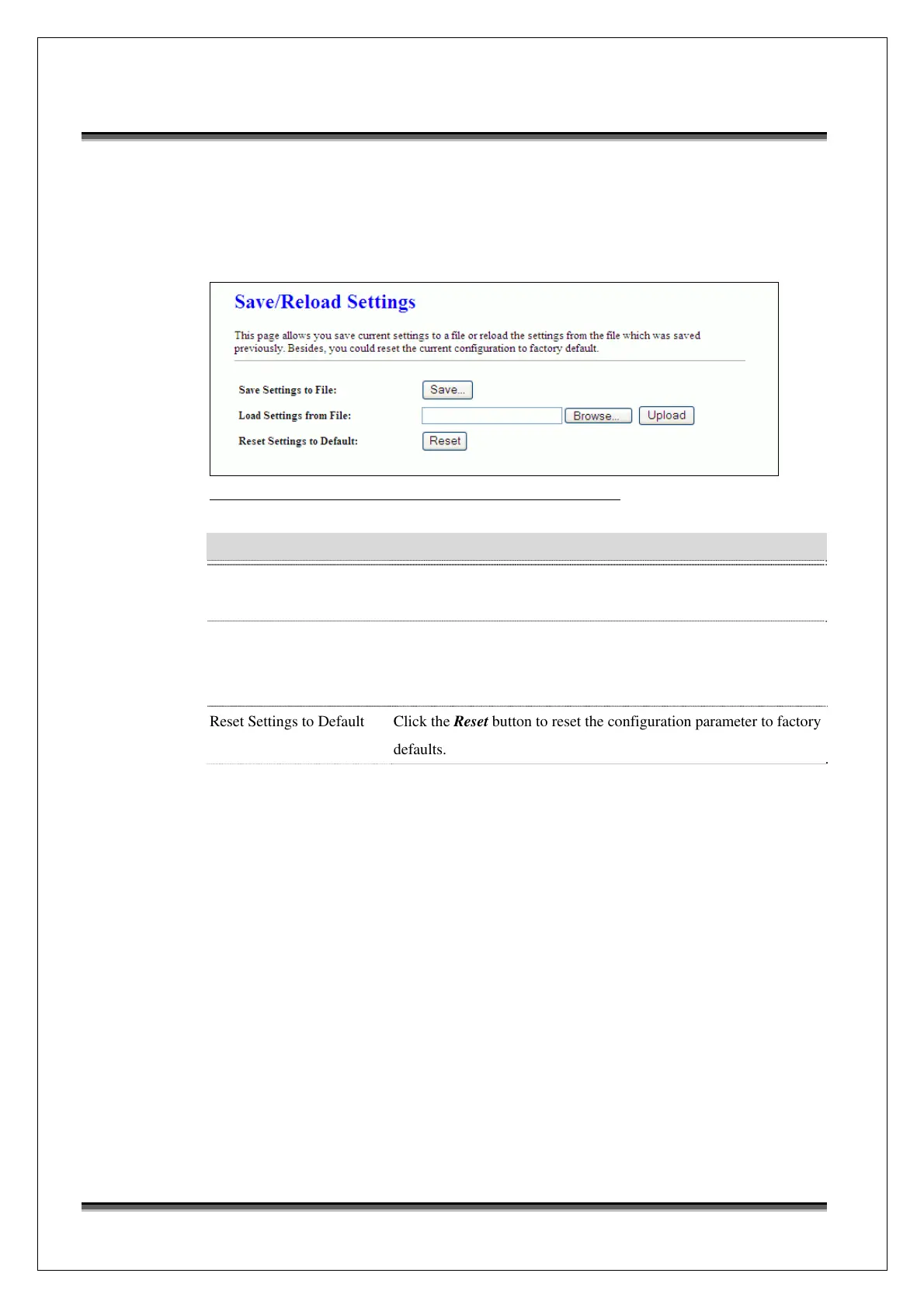
This page allows you save current settings to a file or reload the settings from
the file that was saved previously. Besides, you could reset the current
configuration to factory default.
Screen snapshot – Management - Save/Reload Settings
Item Description
Save Settings to File Click the Save button to download the configuration parameters to
your personal computer.
Load Settings from File Click the Browse button to select the configuration files then click
the Upload button to update the selected configuration to the WNAP
3G Mobile Router.
Reset Settings to Default Click the Reset button to reset the configuration parameter to factory
defaults.



 To Next Page