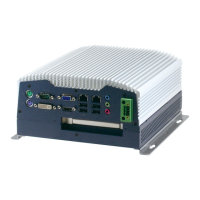
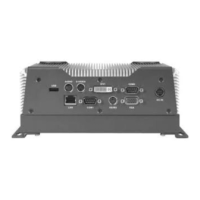
Embedded Controller BOXER- 6614
The BOXER-6614 comes with a DVD-ROM that contains all drivers
and utilities that meet your needs.
Follow the sequence below to install the drivers:
Step 1 – Install Chipset Driver
Step 2 – Install Graphics Driver
Step 3 – Install LAN Driver
Step 4 – Install Audio Driver
Step 5 – Install TXE Driver
Step 6 – Install TPM Driver
Step 7 – Install MBI Driver
Step 8 – Install Serial Port Driver (Optional)
Step 9 – Install USB3.0 Driver
Chapter 4 Driver Installation 4-2


 To Next Page