Chapter 3 – AMI BIOS Setup 27
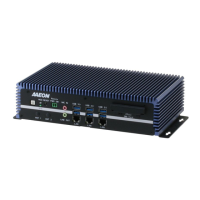
Fanless Embedded Box PC BOXER-6639
The AMI BIOS ROM has a pre-installed Setup program that allows users to modify basic
system configurations, which is stored in the battery-backed CMOS RAM and BIOS
NVRAM so that the information is retained when the power is turned off.
To enter BIOS Setup, press <Del> or <F2> immediately while your computer is
powering up.
The function for each interface can be found below.
– Date and time can be set here. Press <Tab> to switch between date elements
– Enable/ Disable boot option for legacy network devices
– For hosting bridge parameters
– The setup administrator password can be set here
– Enable/ Disable quiet Boot Option
Save your changes and exit the program


 To Next Page