Chapter 4 – iX Developer 60
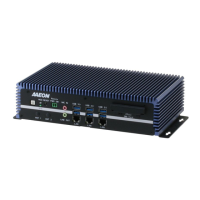
Fanless Embedded Box PC BOXER-6639
Step 4 – Install Audio Driver
folder and select your OS
2. followed by the
file in the folder
3. Follow the instructions
4. Drivers will be installed automatically
Step 5 – Install USB3.0 Driver
folder and select your OS
2. Open the
file in the folder
3. Follow the instructions
4. Drivers will be installed automatically
Step 6 – Install ME Driver
folder and select your OS
2. Open the
file in the folder
3. Follow the instructions
4. Drivers will be installed automatically


 To Next Page