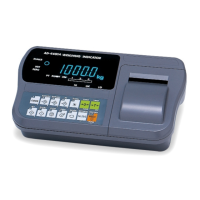
AD-4405A Weighing Indicator Page 43
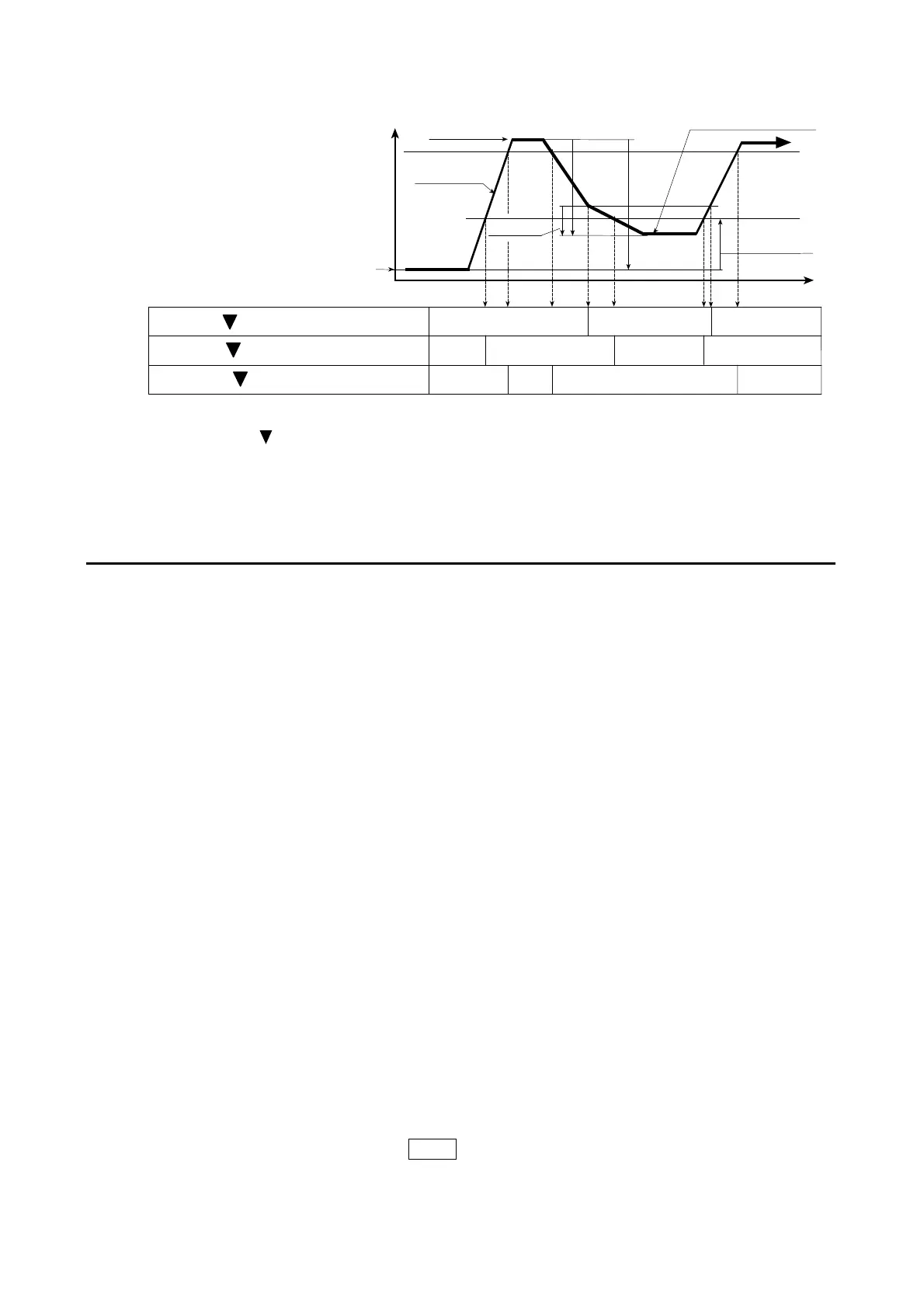
F22 = 9 (Check weighing 3:Loss in weight)
Output and Condition
* Relay OK output can be changed to OVER or UNDER by setting f24.
Triangle 2 is displayed when Gross ≧ Full, regardless of the f24 setting.
OVER/UNDER is judged always and the result is output to the LED and the relay.
10.2.2. Simple Batch
The weighing sequences of simple batch (f22=10, 11 or 12) are similar to those of
check weighing (f22=7, 8 or 9) respectively. The differences are listed below.
1 Basically ON/OFF of the relay and the LED are reversed.
2 No judgment other than Zero band and Full before input of the Start signal.
3 The weighing completion condition is set by f23=2x and it is effective after Start.
4 The outputs of Preliminary and Free fall are off from weighing completion to the
next start.
5 Weighing completion can be output by setting f24 and f25.
6 The start signal can be accepted after weighing completion even if the weight is
not within the zero band.
7 Over/Under output is set by f23=3x.
Start
Tare automatically when the Start is input if f23=11.
The READY mark turns off when the Start is input.
Weighing Completion
The weighing completion condition is set by f23=2x.
f23=20 : Either the STOP key is pressed or the Batch stop input is on.
f23=21 : Stable is detected after reaching Final.
Before reaching Final, the STOP key or Batch stop input forces weighing
completion even if f23=21.
10.2. Setpoint Comparison
Final
Weighing value
Calibrated Zero
Tare
Tared Zero
Zero band
Free fall
Preset target weight
Time
Weighing
Relay HI, 1, Net ≧ (Final - Free fall)
Relay OK*, 2, Gross ≧ Full
Relay LO, 3, Gross < Zero band
ON
ON
ON
ON
OFF
OFF
OFF
OFF
OFF
OFF
ON


 To Next Page