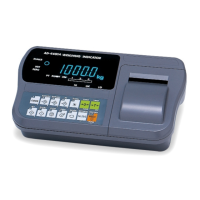
AD-4405A Weighing Indicator Page 51
Step 3 After displaying the date format for 2 seconds, the current date is displayed in the
f51 format and the year after f52 calculation.
Set the date using the following keys.
0 - 9 key ..........The key to set the value at the blinking digit. Once set, the
blinking digit shifts to the right.
+/- key..............The key to shift the blinking digit to the right.
CLEAR key.......The key to reset the setting and display the current date.
ESC key...........The key to return to the date display without changing the
date setting.
ENTER key ......The key to store the date setting and return to the date
display.
If the date setting has some illegal numbers, correction will be
performed as shown below, before storing the setting.
Correction The days that will be corrected to the 1
st
day of the next month:
Month 4, 6, 9, 11 with day 31.
Month 2 with day bigger than 28 or 29 (leap year).
A leap year is the multiple of 4 of Christian era (00, 04, …, 96).
Example:
When the following data is entered,
05 04 31 ENTER
YY MM DD
the data will be corrected as follows:
05 05 01
YY MM DD
13. Calendar / Cloc


 To Next Page