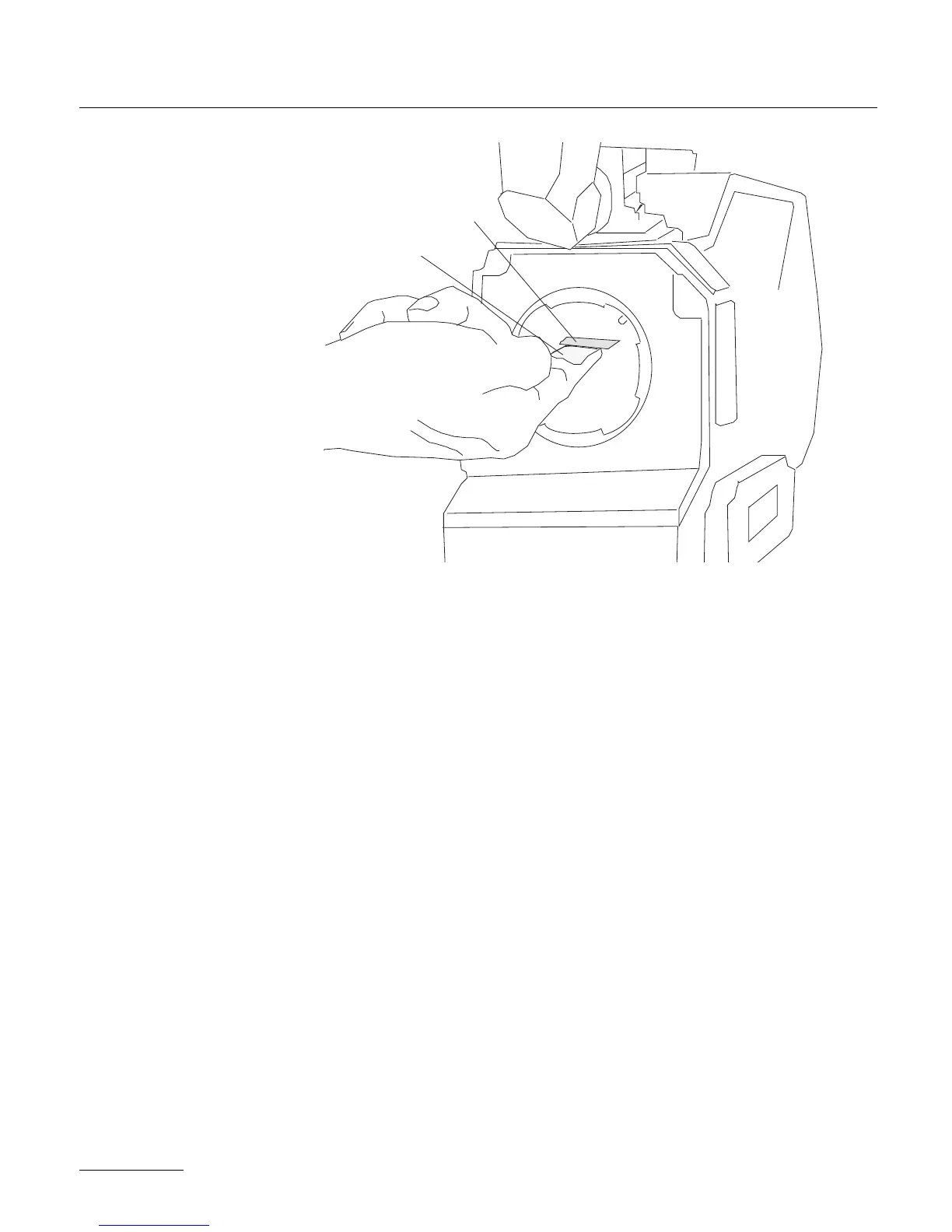
The viewing screen is designed to be easily removed by the user for
the purpose of interchanging or for cleaning. To remove the screen,
first remove the port cap. Remove the battery and clear the mirror
shutter so that it is positioned safely inside the body by rotating at
the base of the shutter with your finger. Look into the port and
locate the screen directly above the aperture opening. To operate,
use a piece of Post-it, that will take the viewing screen without dir-
tying it. Put the Post-it on your forefinger, the sticking part of it
facing up. Smoothly put your finger on the viewing screen, and
remove it.
To reinstall the screen, look into the port and locate the right and
left lip of the viewing screen holder. The grounded side of the vie-
wing screen should face down. Proceed as before, with a piece of
Post-it on your finger.
2.2.9. Adjusting the viewing screen :
The image focus on the viewing screen (or “ground-glass”) should
match the lens barrel focus mark and the focus on the film. Before
adjusting the viewing screen, be certain that the flange focal distance
24
screen
post-it



 To Next Page