without flicker.
• 144°
to minimize the roll bar while filming
NTSC broadcast monitor at 24 fps.
2.3.2 Adjusting the shutter
To adjust the shutter opening, unscrew the shutter tool marked
“Sh” located in the hollow at the rear of the camera’s carrying hand-
le. Make sure that the battery is off the camera and remove the port
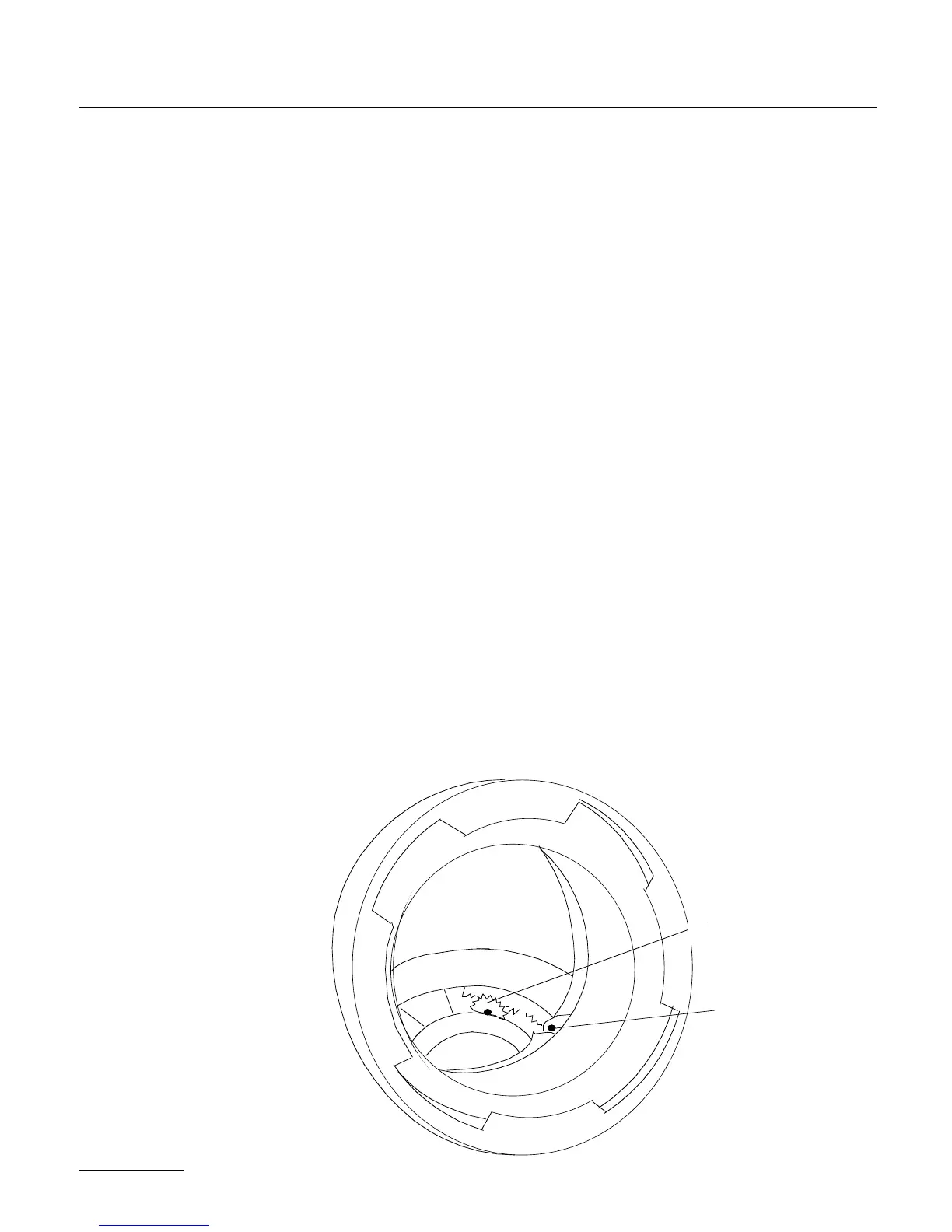
cap. Locate the tool guiding hole to the lower right of the inside lens
holder. Gently rotate the shutter at its base with your finger until
the brass driving gear is centered underneath the tool guiding hole.
Insert the shutter tool through the guiding hole and into the brass
gear. Rotate the tool until the appropriate notched shutter setting is
reached ; turning counter-clockwise will reduce the shutter opening,
turning clockwise will increase the opening.
When setting the opening to 172.8°, 150° or 144°, a shutter blade
indicating these settings will be visible from behind the left edge of
the mirror. Make sure the white line to the immediate right of the
172.8°, 150° and 144° markings meet the left edge of the mirror.
26
tool guiding hole



 To Next Page