9-20 Troubleshooting
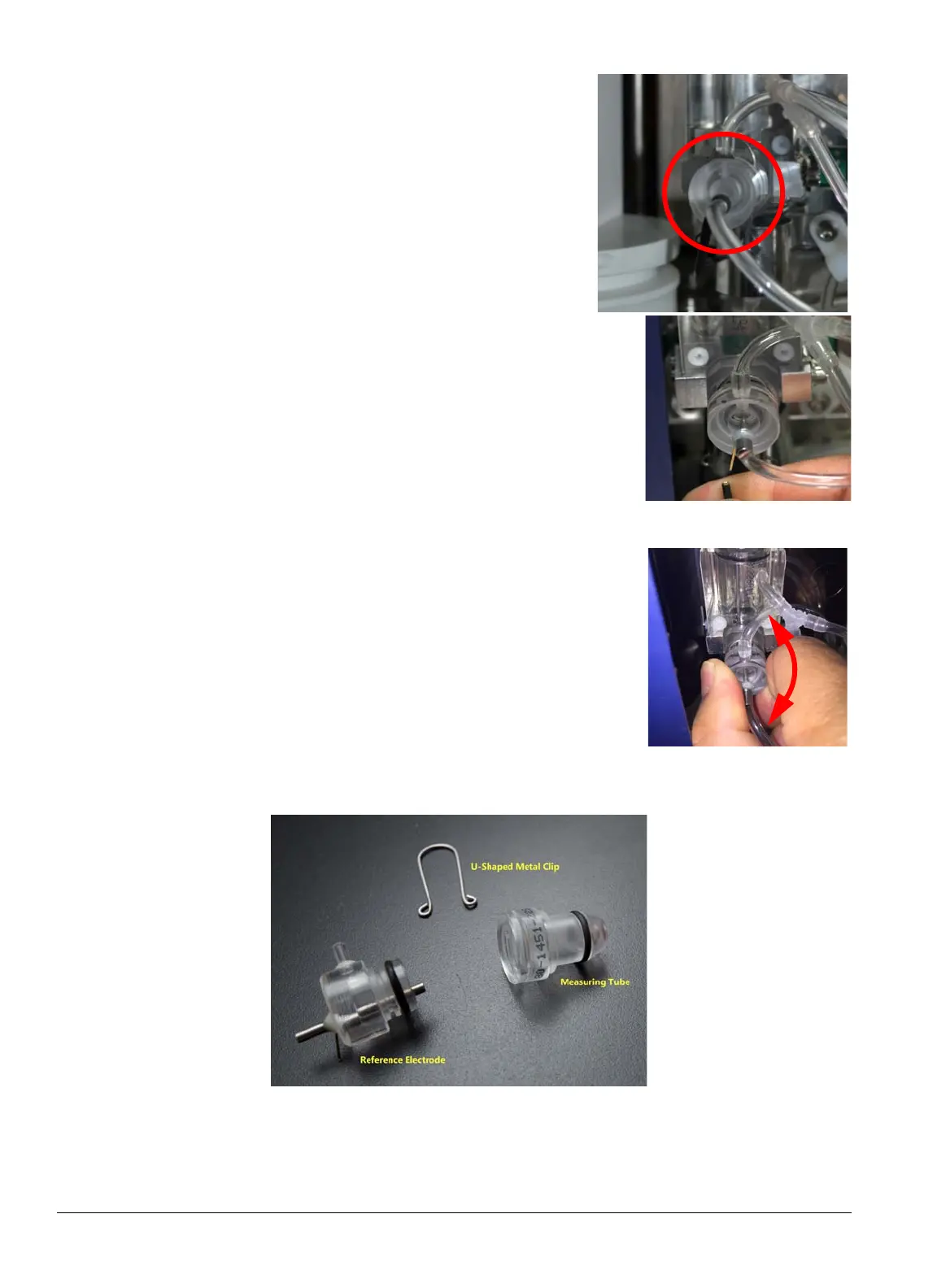
2. Open the door on analyzer’s right side, and locate the
measuring tube which contains the aperture (circled at
right).
3. Disconnect the black wire from the left side of the mea-
suring tube assembly by sliding it down and to the left.
4. Grasp the measuring tube and pull while slightly twisting left
and right, until it comes off. This is a push-fit part so it should
pull straight out
.
5. Disconnect the tubing and pull off the U-shaped clip so the two pieces can be separated.


 To Next Page
 Loading...






